updated July 2026
The quick answer
If you are trying to work out whether a website is real, check these five things first:
Read the full URL. The real domain sits immediately before the final .com or .org. Anything else there is a warning sign.
Search the site name plus "scam" or "reviews." Real businesses leave a trail. New scam sites do not.
Find the contact details. A real address, a working phone number, and an email on the site's own domain.
Check the domain age. A site selling expensive goods that was registered two weeks ago deserves suspicion.
Look at the payment options. Wire transfer, crypto, or gift cards only means no way to get your money back.
If you want a second opinion on a specific link, you can paste it into Haven's free link checker and get a verdict in seconds.
The rest of this guide covers the full checklist and what to do if something has already gone wrong.
Why the padlock does not mean a website is safe
Start here, because this is the single most common mistake.
The padlock icon in your browser means your connection to the site is encrypted. It says nothing about who runs the site or what they intend to do with what you type into it. A scam site can get a padlock in minutes, for free, and most of them do.
Encryption protects the data in transit. It does not vouch for the destination. Treat the padlock as table stakes, not as evidence.
How to tell if a website is legit: a 9 point check
No single item below is proof on its own. You are looking for a pattern.
1. Read the full URL, character by character
Scam domains are built to survive a glance, not a read. A swapped letter, an added hyphen, a different ending. Think amaz0n.com, paypa1.com, or apple-support.com.
The rule that matters: the real domain name sits immediately before the final .com, .org, or .co.uk. Everything to the left of it can be anything the scammer wants. chase.secure-login.com is not Chase. It is a site called secure-login.com.
Government sites are the one reliable shortcut. A real US government site ends in .gov, and those are not available to just anyone.
For banking and financial sites specifically, Haven Verified marks sites on its protected list with a green checkmark directly in your Google search results, so you can tell a real bank from a lookalike before you click through to it.
2. Search the site name before you trust it
Open a new tab. Search the site name plus "scam," then again plus "reviews."
A real business has a trail: mentions, reviews, complaints, social posts, coverage. A site that went live last week has almost nothing, and that absence is itself the finding. Trustpilot, the Better Business Bureau, and Reddit are all worth a look.
Be a little skeptical of reviews hosted on the site itself. Those are trivial to fabricate.
3. Look for real contact information
A legitimate business will publish a physical address, a working phone number, and an email address on its own domain. If the site is acmesupplies.com, the contact address should look like hello@acmesupplies.com, not acmesupplies@gmail.com.
Test what you find. Paste the address into a map service and see whether it resolves to a real commercial location. Call the number. If contact details are missing entirely, that answers your question.
4. Read the policies
Look for a privacy policy, terms of service, returns policy, and shipping information.
Missing is bad. Present but sloppy is also informative. Scam operators copy these pages from elsewhere and rarely proofread them, so watch for another company's name left in the text, inconsistent terms, or language that does not match the rest of the site.
5. Check how old the domain is
A new domain is not automatically a scam, but it changes the risk. A site selling luxury goods, crypto services, or financial products that was registered a fortnight ago is worth real suspicion.
You can look up a domain's creation date free through a WHOIS lookup such as whois.domaintools.com. Paste the domain, find the creation date. Newly registered plus asking for money or identity documents is a combination worth walking away from.
6. Watch which payment methods are offered
This one is close to decisive.
Real businesses accept credit cards and established payment processors, because their customers expect it. If a site pushes you toward wire transfer, cryptocurrency, gift cards, or a peer to peer payment app, that is a deliberate choice. Those methods have no chargeback. Once the money moves, it is gone.
A checkout that only works through irreversible payment is not a quirk of a small business. It is the business model.
7. Test the social media links
Scam sites put social icons in the footer because they look reassuring. Click them.
Empty profiles, dead links, accounts created last month, or pages for an entirely different company all tell you the same thing. A real business has posting history that predates its need to look credible.
8. Run the URL through a link checker
If you are still unsure, get a second opinion before you interact with the page.
Haven's link checker is free and needs no install. Paste the URL and it cross references known phishing and malware databases while also weighing domain age and lookalike patterns, then returns a verdict.
Other free options include Google's Safe Browsing transparency report, VirusTotal, and URLVoid.
One honest limitation applies to all of them, including ours: database driven tools are excellent at catching sites that have already been reported, and weaker on a site that launched this morning. That gap is exactly where the better scam operations live, which is why the manual checks above still matter.
9. Bookmark the sites you use often
Your bank, your tax software, your health insurance portal, your payroll system.
Every time you reach one of these by typing the address or clicking a link in an email, you create a chance to land on a lookalike instead. A bookmark removes that chance. It takes ten seconds per site and it eliminates a whole category of risk permanently.
How to know if a link is safe before you click
Sometimes the question is not about a site you are already on, but a link you have been sent.
Hover first. On desktop, hovering over a link shows the real destination in the corner of your browser. On mobile, press and hold to preview it. If the visible text and the actual destination disagree, that is the finding.
Expand shortened links. A shortened URL hides where it goes. Paste it into a checker rather than tapping it.
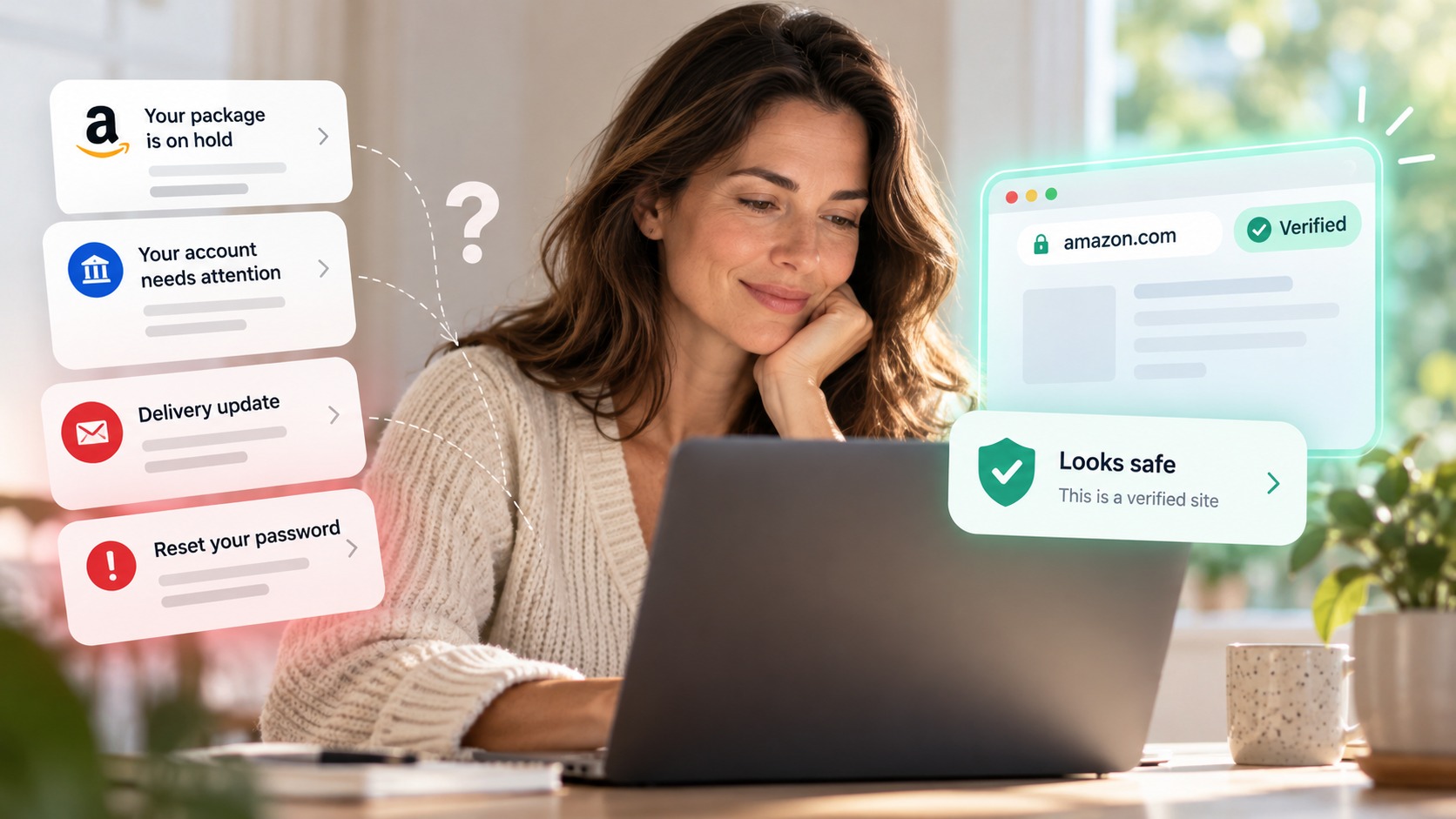
Watch for urgency. Account suspension, a failed payment, a delivery you need to reschedule. Time pressure exists to stop you checking.
Go direct instead. If a message says there is a problem with your account, do not use its link. Open the site yourself from a bookmark and look.
When in doubt, paste it into the Haven link checker before you click.
How to see if a website is fake when it looks real
The checks above work well on ordinary scam sites. Impersonation sites are harder, because they are copies of real ones.
A fake login page for a bank or a well known service is often a pixel accurate clone, sometimes copied directly from the original. Design quality tells you nothing. The things that still give it away:
The domain. A clone can copy every pixel but cannot use the real domain name. This is why step 1 matters more than everything else combined.
How you arrived. Impersonation pages almost always depend on you clicking through from an email, message, ad, or search result rather than typing the address yourself.
What it asks for. A login page that also wants your full card number, your date of birth, or a one time passcode is asking for more than a login needs.
Where it goes next. Many fake login pages accept anything you type, then forward you to the real site so the whole thing feels normal. If a login felt strange and then suddenly worked, go and change that password.
How to check if an email is real
Most fake sites are reached from a message, so the email is often the better place to catch the problem.
Check the sender's full address rather than the display name, which can be set to anything. Look at the domain after the @ symbol and read it as carefully as you would a URL. Be wary of any message that creates urgency, and never use contact details supplied inside a suspicious message to verify that same message.
We go through this in detail in how to tell if an email is real.
What to do if you already entered your information
If the checks came too late, act in this order:
Change the password on the affected account, and anywhere else you reused it.
Turn on two factor authentication. This is the change that most limits what a stolen password is worth.
Call your bank if you entered card or account details, using the number on your card rather than anything from the site.
Watch the account for unfamiliar sign ins, new forwarding rules, and changed recovery details.
Report it, which helps get the site taken down. See how to report a phishing email for where to send it.
About Haven
Haven is a browser-security companion that helps people and organizations make safer trust decisions online. It works at the browser level, in the moment between clicking a link and entering your information, to flag suspicious sites, fake login pages, and phishing before you act on them. Rather than relying only on lists of known threats, Haven analyzes the page in front of you, which helps it catch newly created and impersonated pages that other tools can miss.
Haven is free for individual use. Haven for Business and Haven for MSP extend browser-level protection across teams. Haven is operated by MirrorTab Corp.
FAQs
How can I tell if a website is legit?
Check the full URL against the real domain, search the site name plus "scam," confirm there is real contact information, look up the domain's age, and check which payment methods are accepted. No single check settles it. A site that fails two or more is one to leave.
How do I know if a link is safe?
Hover over it to see the real destination before clicking, expand any shortened URL, and be cautious with links that push urgency. If you are unsure, paste it into a link checker rather than clicking to find out.
Is this website real or fake?
Real sites accumulate history: reviews, mentions, an aged domain, working contact details, and a social presence going back months or years. Fake sites are usually new and thin in all of those areas at once, however polished the design looks.
Does the padlock mean a website is safe?
No. The padlock means the connection is encrypted, not that the site is trustworthy. Scam sites get certificates easily and routinely have one.
How can I check if a URL is safe?
Read the domain immediately before the final .com or .org to confirm it matches the organisation you expect, then run the URL through a free checker that cross references known threat databases and looks at domain age.
How do I check if an email is real?
Look at the sender's full address rather than the display name, and read the domain after the @ symbol carefully. Verify anything urgent by contacting the organisation through details you find independently.
What should I do if a website turns out to be fake?
Change any password you entered, enable two factor authentication, contact your bank if payment details were involved, monitor the account, and report the site so it can be taken down.