Most scams have to work for their money. They steal a password, get past two-factor authentication, log in without tripping a fraud check, and then find a way to turn that access into cash. Any link in that chain can break.
A scam that Malwarebytes just documented skips the entire chain. Instead of breaking into anything, it convinces you to send the money yourself. Researchers found fake Bitrefill checkout pages appearing in search results and taking cryptocurrency payments straight to addresses the scammers control. Bitrefill is a real company that sells gift cards, eSIMs, and mobile top-ups, and genuinely accepts cryptocurrency, which is exactly what makes the fake so convincing. You pay the way you always would. The money just goes to the wrong place, and because crypto payments generally cannot be reversed, it is gone.
This one is worth understanding because it is the cleanest version of a pattern we have written about repeatedly: a trusted crypto brand, a page that looks exactly right, and a moment where you act before you verify.
Key takeaways
Fake Bitrefill checkout pages are appearing in search results on lookalike domains, copying the real branding and checkout flow, and sending crypto payments straight to scammers (source).
There is nothing to hack. The victim sends cryptocurrency directly to the scammer's address, and crypto payments generally cannot be reversed or charged back.
The copies are convincing because every pressure cue (a unique payment address, a countdown timer, currency conversion) is borrowed from real crypto checkouts. None of it is a red flag on its own.
The fake domains use letter swaps, an added word like
payorgift, and internationalized (Punycode) characters designed to defeat a quick visual check, especially on a phone.The only reliable defense is confirming what the page actually is before you send. Recognizing a brand name in a web address does not tell you who owns it.
How the fake checkout works
The distribution here does not rely on email. According to Malwarebytes, and confirmed by Bitrefill, the fake sites turn up in search engine results when people look for Bitrefill or something it sells, like a gift card. You click what looks like the right result and land on a page that is a close copy of the real checkout.
From there, it behaves exactly like a genuine purchase. You are asked for an email address for order updates, with links to a terms of service and privacy policy. You choose how to pay from a list including Bitcoin, Ethereum, USDC, USDT, Solana, and Litecoin. You pick an amount, up to a maximum of $1,990. Then you reach a payment screen with a QR code, a payment address marked for one-time use, the amount converted into your chosen cryptocurrency, and a countdown clock giving you just under an hour to send the funds.
Here is the important part: none of those elements is suspicious. Unique addresses, expiry timers, and currency conversion are all normal features of real crypto checkouts. That is why the copy works. Every cue that creates urgency or confidence has been lifted from legitimate payment systems. The only meaningful difference is the address the money goes to, and by the time you have sent the crypto, getting it back is extremely unlikely.
Malwarebytes also found something telling: the fake sites had commercial analytics software installed, the same kind a real e-commerce team uses to measure how many shoppers abandon a cart. These are not one-off pages thrown together for a lucky hit. They are run as businesses, measured and tuned like any other sales funnel, with the victim cast as the customer.
Why the web address won't save you
The natural advice is "check the URL." It is good advice, but on its own it is no longer enough, because these domains are built specifically to pass a glance.
Malwarebytes documented a whole cluster of them using three tricks. Some swap one letter for a similar-looking one, so the brand appears correct unless you look hard. Some bolt on a plausible word, producing addresses like a brand followed by pay or gift, which resemble official payment sites but are entirely separate domains anyone can register. And some use internationalized domain names, which can contain characters from other alphabets or accented Latin letters. Your browser converts these into an ASCII form starting with xn--, called Punycode, but what you see on screen can be almost indistinguishable from the real name. On a phone, it is even harder.
The takeaway is not to become better at spotting single-character differences. These domains are designed to beat that. The takeaway is that seeing the right company name somewhere in an address does not tell you who owns the site. A legitimate subdomain puts the extra word before the main domain, as in pay.example.com. An address like example-pay.com is a different domain entirely.
The crypto scams we have tracked, and what they share
The fake Bitrefill checkout is not a new idea. It is the latest entry in a pattern we have covered again and again: impersonate a trusted crypto or trading brand, build a page or message that looks completely legitimate, and get the target to act before they verify. Here is what we have documented, and how each one connects.
The fake COLDCARD "hardware audit" email. We covered a crypto wallet phishing campaign that emailed hardware-wallet owners claiming a mandatory security audit, then sent them to a fake COLDCARD site that told them to install an "audit tool." The tool was actually remote-access malware that let attackers drain the wallet. What is similar: a trusted crypto brand is impersonated and the victim is walked through a legitimate-seeming process. What is different: it arrived by email and installed malware, rather than taking a direct payment. How to avoid it: legitimate hardware-wallet makers do not run mandatory audits that require installing software. Verify any advisory on the vendor's real site, never through an email link.
The Robinhood "recent login" email. We broke down a Robinhood phishing email that posed as a security alert about a new login and led to a fake Robinhood sign-in page built to harvest credentials. What is similar: it impersonates a trusted platform people use for crypto and stocks, and everything looks routine. What is different: it steals your login rather than a direct payment. How to avoid it: open the app yourself instead of clicking a link in a security email, and check any alert from inside the account.
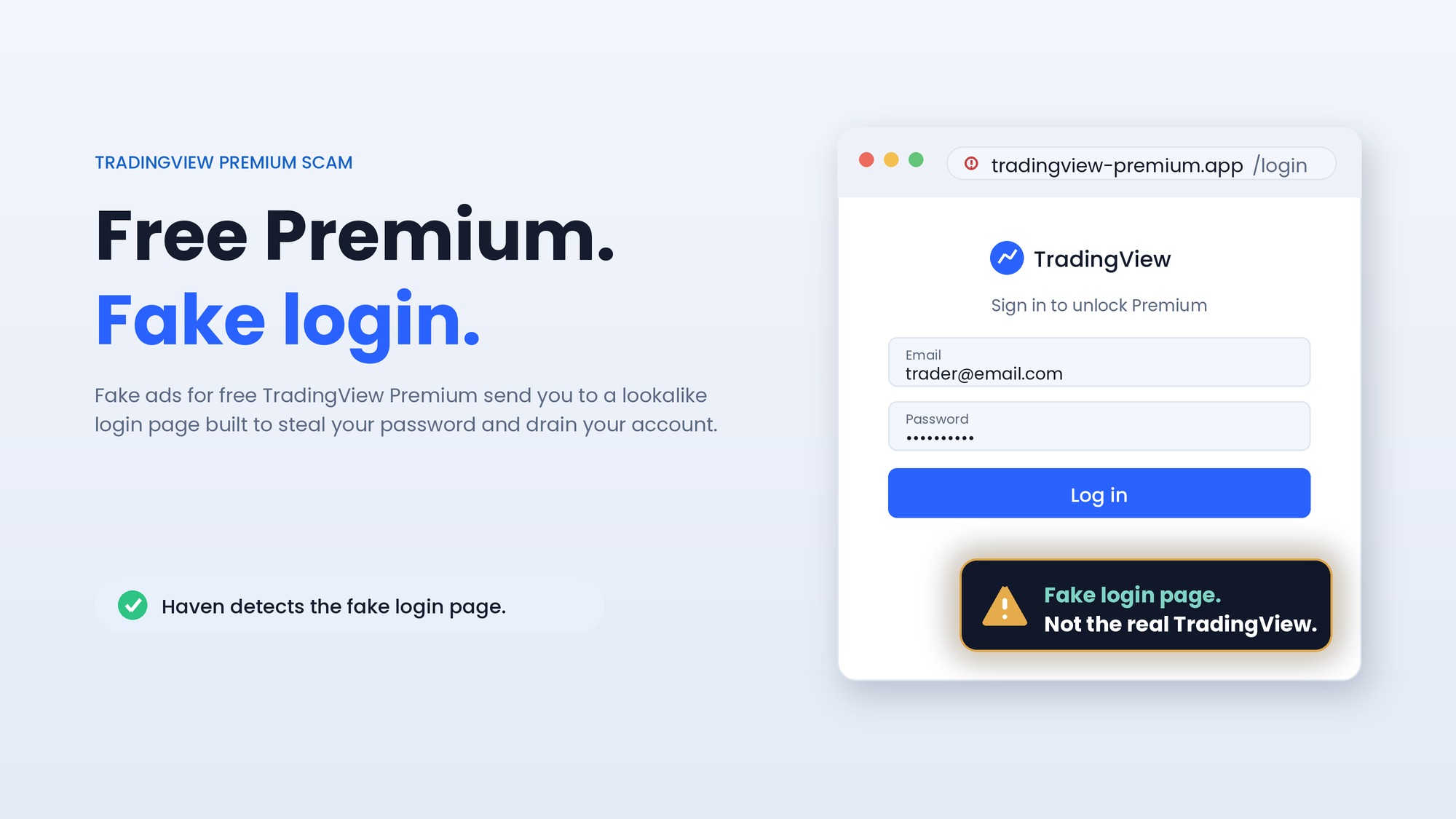
The "Free TradingView Premium" scam. We wrote about fake ads leading to malware that impersonated TradingView, a charting platform popular with crypto traders, offering a free premium version that actually installed malware. What is similar: a trusted trading brand is impersonated, and the entry point is a paid ad or search result rather than a link you went looking for. What is different: the payload is malware, not a payment or a login page. How to avoid it: get software only from the vendor's official site, and be skeptical of "free premium" offers surfaced by ads.
Fake bank sites in search results. The closest match in method is our post on bank website SEO poisoning, where lookalike bank domains were pushed to the top of search results to capture logins. What is similar: this is the same distribution as the Bitrefill scam, search results leading to a lookalike domain and a convincing fake page. What is different: the target is your bank login rather than a crypto payment. How to avoid it: reach financial sites through a saved bookmark or by typing the address yourself, not through a search result.
The thread running through all of these is simple. Crypto scams rarely need to break anything. They impersonate a brand you trust and get you to do the work yourself: send a payment, enter a password, install a tool, or approve a transaction. And because the pages and emails now look flawless, as we argued in why the old warning signs no longer work, you cannot reliably tell the fake from the real by how it looks. The one durable question is whether the page is actually who it claims to be.
How to avoid sending crypto to a scammer
The good news is that this specific scam has a clear set of defenses, drawn from the Malwarebytes guidance and worth building into a habit.
Start at a site you already trust. Use a saved bookmark or carefully type bitrefill.com yourself. If you are already on the real site, complete your purchase there rather than opening a separate checkout you found through search. Treat search results for payment and checkout pages with suspicion, because scammers can buy ads or push their sites up the rankings, and the first result is not automatically the safest. Before you send anything, confirm the actual main domain is exactly the one the company uses, and remember that a brand name followed by an extra word is a different site. Do not approve wallet requests, sign transactions, or grant token permissions on a site you have not verified, because a fraudulent page can use those to move your assets. And if you have already sent funds, act quickly even though recovery is unlikely: report the destination address to your exchange or wallet provider, report the incident to your national fraud service, and notify Bitrefill so it can be added to takedown efforts. Be aware that "recovery services" promising to retrieve stolen crypto for an upfront fee are usually a second scam.
Where Haven fits
Every defense above comes down to one question that is genuinely hard to answer in the moment: is this page actually the real company? That is the question Haven is built to answer.
Haven is a browser extension that checks whether a page truly is who it claims to be, rather than trusting how you arrived or how convincing the page looks. Because it analyzes the actual page rather than judging the link by reputation, it does not matter that you reached the fake checkout through a search result, or that the domain is a Punycode homograph you could never catch by eye. When you land on a lookalike checkout impersonating Bitrefill, Haven flags it as a fake or impersonated site before you send anything. The countdown timer, the QR code, and the polished branding do not change that verdict, because Haven is checking identity, not appearance.
To be precise about what this does and does not do: Haven's job is to stop you before you send, which is the only point where this is reliably preventable. It is a browser extension, not a way to reverse a transaction. Once cryptocurrency has been sent to a scammer's address, no tool, Haven included, can claw it back, which is exactly why catching the fake page first matters so much. And for the variant where a fraudulent site asks you to connect a wallet and sign a transaction, Haven flags the impersonated site itself; the signing still happens inside your wallet, so the habit of never approving a transaction on an unverified page still applies alongside it.
Haven is free for individual use, which makes it a sensible layer for anyone who buys with cryptocurrency. As we have written across every scam above, the reliable defense is no longer spotting a flaw in a convincing page. It is confirming what the page really is before your money moves.
About Haven
Haven is a browser extension that helps people make safer trust decisions online, before a scam can cost anything. It works at the moment someone is about to click a link or enter a password, flagging fake and impersonated login pages, suspicious links, and look-alike sites, and pausing risky downloads. Rather than only checking a page against a list of known-bad sites, Haven analyzes the actual page in front of the user, so it can catch brand-new and convincing fakes that other tools miss.
Haven is free for individual use. For teams, Haven for Business extends this browser-level protection across every employee. Haven is operated by MirrorTab Corp.