Key takeaways
Ads offering "free" TradingView Premium are a long-running malware campaign that has expanded from Facebook to Google Ads and YouTube.
Attackers hijack verified Google and YouTube accounts, rebrand them to look exactly like TradingView, and push hidden "unlisted" ad videos, so the verified badge is not proof of authenticity.
The links lead to a malware download (a stealer that takes passwords, cookies, and cryptocurrency wallets) or to fake login pages that harvest your credentials.
The reliable tell is the destination: the real TradingView lives on its official domain and channel handle, and no real company gives away its paid product through an unlisted ad video.
The decisive moment is the fake page you land on, before you download or sign in, which is exactly where a browser-security layer helps.
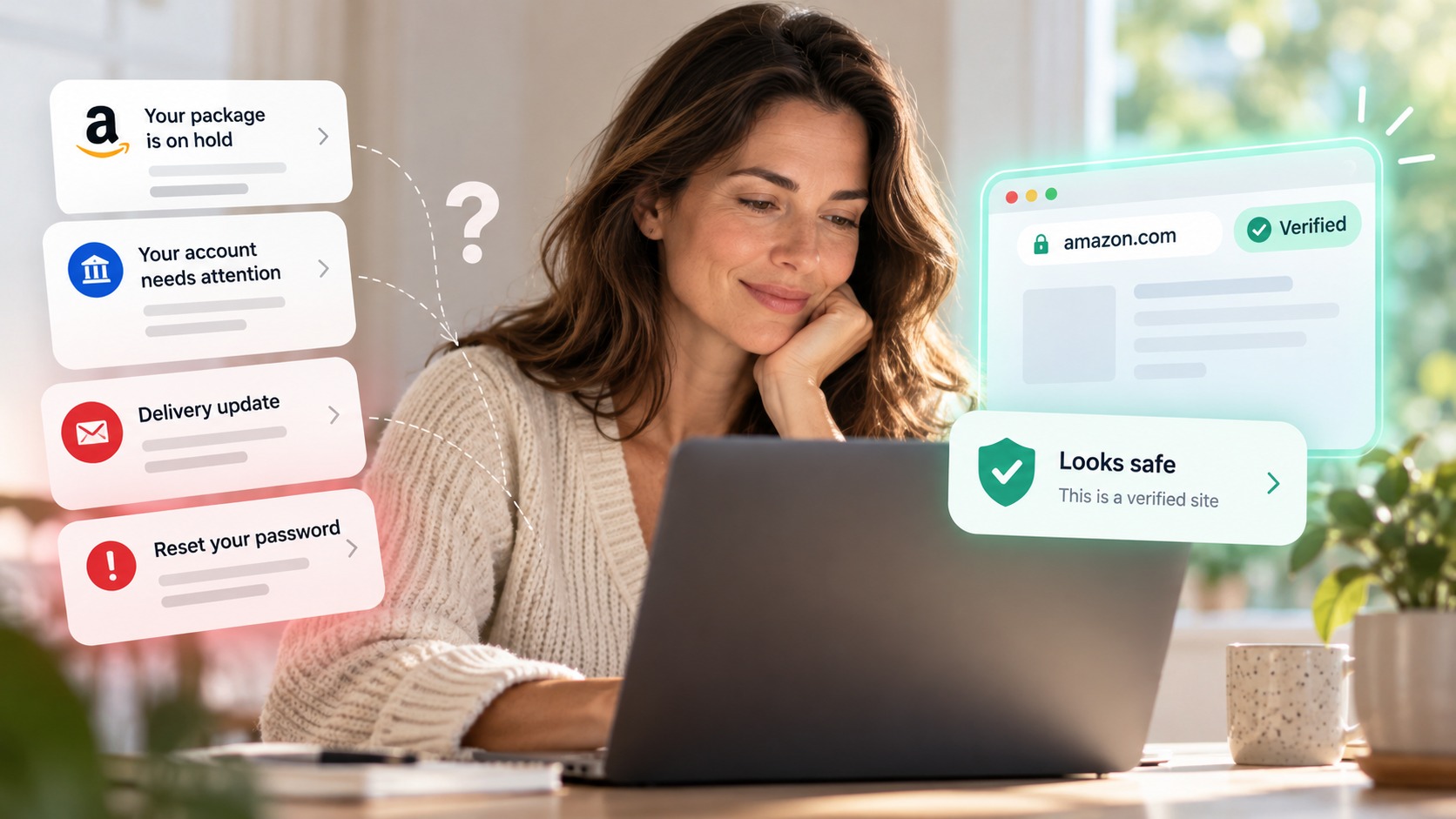
An ad promises something you would actually like: free access to TradingView Premium, the paid version of a trading platform, unlocked with a "secret method." It looks legitimate. It might even come from a verified YouTube channel that appears to be TradingView. It is a scam, and the file it wants you to download is malware built to steal your passwords and empty your crypto wallet.
If you trade, follow markets, or run a channel, this campaign is worth understanding, because it has spread from Facebook to Google and YouTube and it leans on trust signals you have been taught to rely on. Here is how it works and how to spot the fake before you click.
What's happening
Researchers at Bitdefender Labs have tracked this campaign for about a year, and report that it has moved beyond Facebook into Google Ads and YouTube, detailed in their analysis and covered by Hackread. The offer is always some version of "free access" to TradingView Premium or another trading tool. The delivery is what has evolved.
In one case, the attackers hijacked the Google advertiser account of a design agency in Norway and took over a verified YouTube channel. They stripped the channel of its original videos and rebranded it to impersonate TradingView, reusing the real logos and banners and even mirroring playlists from the genuine channel so it looked active. Then they ran paid ads pointing to unlisted videos, hidden from public search, so the scam reaches targets while avoiding moderation and reports. One such video, titled "Free TradingView Premium – Secret Method They Don't Want You to Know," pulled in over 182,000 views in a few days through advertising alone.
Why the verified badge can lie
The dangerous part is that the usual authenticity checks pass. The channel is verified, because it was verified for its previous legitimate owner before it was hijacked. The branding is identical. The playlists are real. To a quick glance, it is TradingView.
But a few things give it away on closer look. The channel handle is not @TradingView. The channel has no real content of its own and an implausibly low view count for a brand that popular. And the videos doing the work are unlisted, shown only through paid placements. A real company does not hand out its paid product through a hidden ad-only video. When an offer sounds too good and hides from public view, that combination is the warning.
Where the attack pays off
However convincing the ad and the channel are, the scam still comes down to one thing: getting you to a page the attacker controls, and then to either download a file or enter your login.
Bitdefender found the campaign does both. The video description links to a malicious download disguised as the free premium app. The final payload is a stealer (tracked as JSCEAL, WeevilProxy, and Trojan.Agent.GOSL) that can route your network traffic through itself, steal saved passwords and cookies, log keystrokes, take screenshots, and drain cryptocurrency wallets, while quietly persisting on the machine. The same operation also uses phishing pages to steal credentials directly. The infrastructure is large, over 500 domains and subdomains, with emerging macOS and Android versions and hundreds of new ads a day in several languages.
And a fake TradingView page cannot be the real one. It lives on a lookalike domain or a hijacked channel handle, not TradingView's official site. That is the dependable tell, even when everything above it looks right.
The moment that matters: the fake page
By the time you have clicked the ad, the trust signals have already worked against you. The badge looked real, the branding looked real, the offer looked good. What is left is the page in front of you, the one asking you to download the "app" or sign in, and under the excitement of a free upgrade, that is the detail people skip.
This is the moment a browser-security layer is built for. It does not depend on the ad being caught or the channel being real. It checks the page you actually land on.
How Haven helps
Haven is designed to flag fake, impersonated, and unverified sites at the moment you are about to act, including before you download or enter credentials. It analyzes the actual page in front of you, not just how it looks or how you got there, so when a page imitates TradingView on a lookalike domain, Haven can warn you that it is not the verified source before you download the file or type your login.
That is the right coverage for this campaign. The attackers won the earlier stages by buying ads and hijacking a verified channel, so the badge and the branding cannot be trusted. Haven works at the destination page, the step where you would actually lose something. If you are unsure about a link from an ad, you can also paste it into Haven's free link checker before you click.
To be clear about scope: Haven is not antivirus. It does not scan or block the downloaded file or remove malware that has already run, and it cannot take down a malicious ad or a hijacked channel. What Haven covers is the decision before the download or login, warning you that the destination is a fake or unverified TradingView page. Think of it as the layer in front of your antivirus, catching the fake page before anything reaches your device.
How to protect yourself
A few habits stop this cleanly:
Treat any ad offering "free" access to a paid product as a red flag, especially trading, crypto, or financial tools.
Get software and subscriptions from the official website only. Type the address yourself rather than following an ad or a video description.
Check the channel handle and view history, not just the verified badge. A mismatched handle or an empty channel with a huge ad reach is a giveaway.
Be wary of unlisted, ad-only videos. Real companies do not promote paid products through hidden videos.
Turn on phishing-resistant MFA, such as a passkey, on your trading, crypto, and email accounts, so a stolen password alone is not enough.
If you downloaded and ran one of these files, treat the device as compromised: run a full malware scan, change passwords from a clean device, and move any crypto to a new wallet.
The offer and the platform change, but the core move is always the same: dangle a free upgrade, borrow a trusted brand, and get you onto a fake page. Slow down at that page, and the scam falls apart.
A note for creators and businesses
This campaign runs on hijacked accounts, which means your channel or ad account can become the weapon. If an attacker phishes your Google login, your connected YouTube channel can be stripped and rebranded to impersonate a brand like TradingView, putting your audience at risk under your name. Enable strong MFA, keep recovery email and phone details current, audit who has access to your channels and ad accounts, and watch for sudden branding or upload changes that can signal a takeover. For teams, Haven for Business adds browser-level detection of fake login pages, so the phishing step that starts an account takeover is flagged before credentials are entered.
About Haven
Haven is a browser extension that helps you make safer trust decisions online, before a scam can cost you anything. It works at the moment you are about to click a link or enter your password, flagging fake and impersonated login pages, suspicious links, and lookalike sites. Rather than only checking a page against a list of known-bad sites, Haven analyzes the actual page in front of you, so it can catch brand-new and convincing fakes that other tools miss.
Haven is free for individual use. For teams, Haven for Business extends this browser-level protection across every employee, and Haven for MSP lets managed service providers deliver it across their clients. Haven is operated by MirrorTab Corp.
FAQs
Is "free TradingView Premium" real?
No. TradingView Premium is a paid product, and ads offering it for free are a long-running malware and phishing campaign tracked by security researchers. The links lead to a malware download or a fake login page, not a real upgrade. To use premium features, subscribe through TradingView's official website only.
How can a scam ad come from a verified YouTube channel?
Attackers hijack channels that were verified for their original owners, delete the existing content, and rebrand them to impersonate TradingView using real logos and mirrored playlists. Because the verified badge and subscriber history carry over, the channel looks authentic. The tells are a different channel handle, little real content, and reliance on unlisted, ad-only videos.
What does the TradingView scam malware do?
The final payload is a stealer (tracked as JSCEAL, WeevilProxy, and Trojan.Agent.GOSL) that can route your network traffic through itself, steal saved passwords and cookies, log keystrokes, capture screenshots, and drain cryptocurrency wallets, while persisting on the device. Some parts of the campaign also use phishing pages to steal credentials directly.
How do I know if a TradingView page or download is fake?
Check the web address and the channel handle. A fake page has to use a lookalike domain or a non-official handle rather than TradingView's genuine site and @TradingView channel, so a mismatch is the clearest sign even when the branding is perfect. A browser-security tool like Haven can warn you that a page is a fake or unverified source before you download or sign in.
Does Haven remove malware from the TradingView scam?
No. Haven warns you that a page is a fake or unverified source before you download or enter credentials, which is the step where this scam is defeated. Haven is not antivirus, so it does not scan or block the installer or remove malware that has already run. It works at the site-trust layer, in front of tools like your antivirus. Haven is free for individual use.
Is Haven free?
Yes. Haven is free for individual use. Haven for Business and Haven for MSP extend browser-level protection to teams and managed service providers. Haven is operated by MirrorTab Corp.