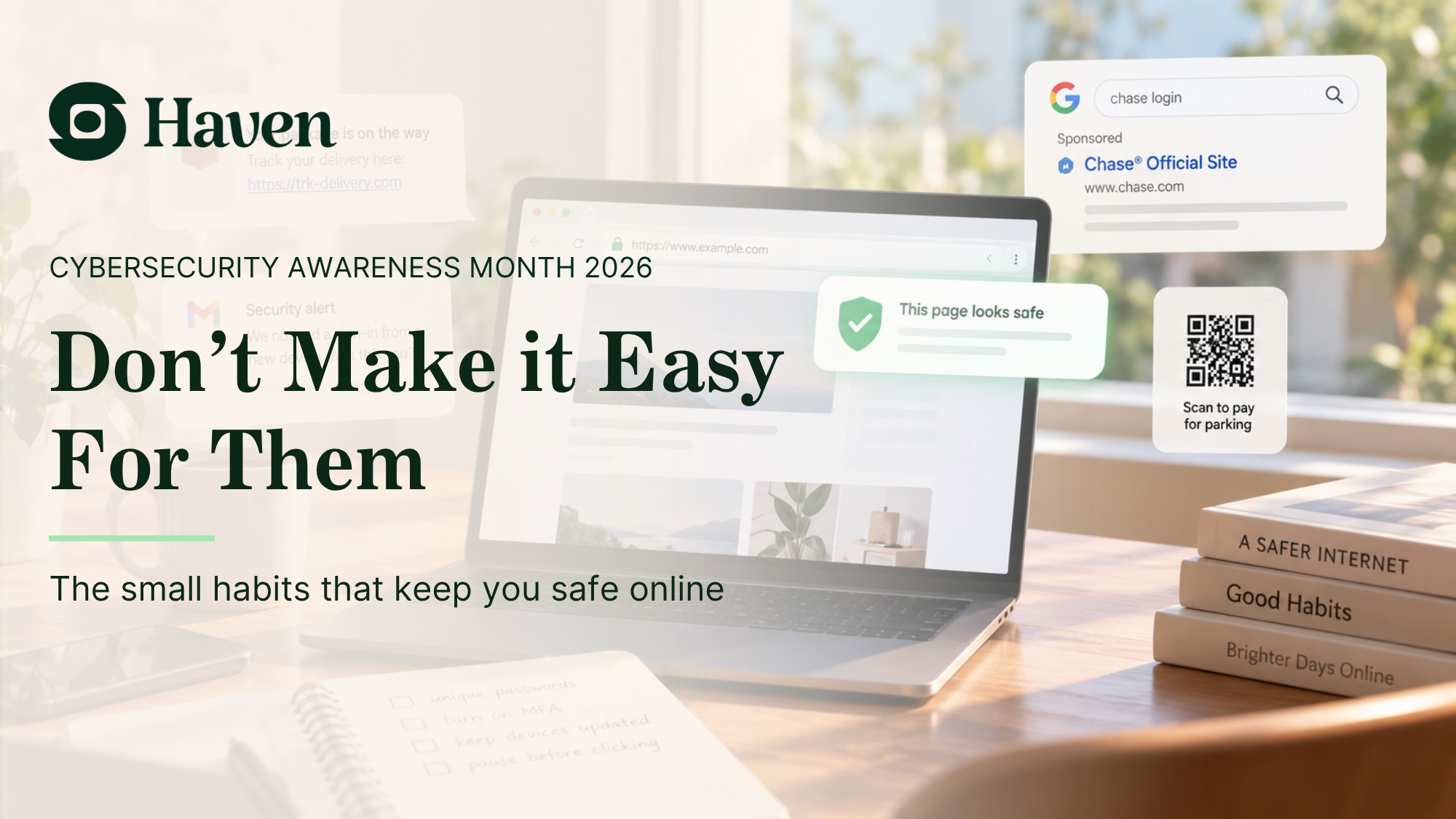
Your password can be safe. Your credit card can be safe. And you can still be a much easier target for the next phishing attack.
This week, a member of the Haven team received an email from Chipolo, the company behind popular Bluetooth item trackers.
The subject line was straightforward:
“Notice: data incident at our fulfillment partner.”
The good news came quickly. According to Chipolo, no credit card numbers, CVVs or passwords were exposed.
The less reassuring part?
The attackers may have gotten something else that is incredibly useful:
Your name
Your email address
Your phone number
Your shipping address
Your order number
Details about what you ordered and how much you spent
At first glance, that might not sound as frightening as a stolen password or credit card.
But then Chipolo's email made an important point: this information could be used to create much more convincing phishing emails and text messages.
And that is where the story gets interesting.
Because sometimes the data breach isn't the attack.
It's the setup for the attack that comes next.
Imagine getting this text tomorrow
You recently ordered something from Chipolo.
Then this arrives:
Chipolo Delivery Notice:
There was a problem delivering order #48291 to your address. Please confirm your delivery details and pay the outstanding $1.72 redelivery charge.
Maybe it even includes your name.
Maybe the order number is correct.
Maybe the timing makes perfect sense because you really did place an order recently.
Would you click?
That is a very different question from whether you would click on a badly written message from an unknown company claiming that “YOUR PACKAGE IS WAITING!!!”
The most effective phishing attacks increasingly don't look ridiculous.
They look reasonable.
Context is what makes phishing convincing
A lot of cybersecurity advice still assumes phishing will give itself away.
Look for spelling mistakes.
Check whether the message feels strange.
Be suspicious of urgency.
Don't trust unexpected emails.
Those are still useful habits.
But they become much less useful when an attacker has real information about you.
Your actual name.
A company you genuinely bought from.
A product you really ordered.
Your real phone number.
Your city.
Maybe even your order total.
The attacker doesn't need to invent a convincing story anymore.
The breach gave them one.
That is why seemingly ordinary customer information can be so valuable.
It gives an attacker context.
And context creates credibility.
Your credit card doesn't have to be stolen for you to be at risk
There is a tendency to read breach notifications looking for the scariest possible sentence:
Were my passwords exposed?
Was my credit card stolen?
If the answer is no, it is easy to feel like the danger has passed.
But attackers don't necessarily need either.
Consider what can happen with nothing more than contact information and order history.
An attacker could impersonate:
The retailer you purchased from
A shipping company
Customer support
A payment processor
A bank supposedly verifying the transaction
A delivery service claiming your package is being held
The first message doesn't even have to ask for anything particularly sensitive.
It only has to get you to click.
From there, the attacker can send you to a nearly perfect copy of a legitimate website and ask you to sign in, confirm a payment method or “verify” your identity.
The information stolen in the breach establishes trust.
The phishing page does the rest.
This isn't just a Chipolo problem
There is another important part of this story: Chipolo says its own systems were not breached.
The incident happened at a third-party fulfillment partner after an unauthorized party exploited a vulnerability in an analytics tool used by that partner.
That distinction matters.
Modern companies depend on fulfillment providers, payment processors, analytics platforms, SaaS applications, customer-support tools and countless other vendors.
Your information moves through that ecosystem because modern businesses cannot operate without it.
And every additional system creates another place where information may eventually be exposed.
We've already seen similar warnings elsewhere this month.
Hardware-wallet maker Trezor disclosed on August 13 that approximately 13,700 customers were affected by a breach at shipping provider ShipMonk. Names, phone numbers, email addresses and shipping information were among the data accessed.
Trezor's warning was strikingly similar: its products and systems were secure, but customers should expect more sophisticated phishing attempts.
That is the downstream risk that is easy to overlook.
A company can successfully protect your password and payment information while attackers still walk away with enough context to target you extremely well.
AI makes the economics even better for attackers
There was once another limitation protecting us: personalization took work.
Writing a customized scam for thousands of people was expensive and time-consuming.
That barrier is disappearing.
Generative AI can help produce polished messages, adapt language and tone, create convincing customer-service conversations and generate variations at enormous scale.
An attacker doesn't necessarily have to choose between a generic campaign sent to millions of people and a carefully researched spear-phishing attack against one person anymore.
Leaked data can provide the context.
Automation can provide the scale.
And AI can help provide the convincing language.
That combination makes “just spot the phishing email” an increasingly unrealistic security strategy.
The problem with “trust your gut”
Chipolo gave customers sensible advice after the incident.
Be careful with suspicious links. Check sender addresses. Be wary of urgency. Verify unexpected requests.
All good advice.
But there is a problem:
What happens when the message doesn't feel suspicious?
What happens when the retailer is real?
The purchase is real?
The order number is real?
The amount is real?
The timing is right?
The logo looks right?
And the fake website looks almost exactly like the real one?
At that point, we are asking people to identify the one piece of the experience that isn't real while everything surrounding it is telling them that it is.
That's a difficult job.
And we don't think people should have to do it alone.
This is why the browser matters
Most phishing attacks eventually need you to do something.
Click the link.
Visit the page.
Enter the password.
Approve the download.
Provide the payment information.
That moment increasingly happens in the browser.
And that creates another opportunity to stop the attack.
Haven works in the browser to check links, identify suspicious pages and help people recognize fake and impersonated websites before they act.
Verified links can be marked as trusted. Suspicious links can be flagged before you click. Haven's email protection analyzes the context around messages, while site protection helps verify that sensitive websites are actually the sites they claim to be.
The point isn't to make people better at memorizing phishing rules.
It's to give them help at the exact moment a scam becomes dangerous.
Because even the smartest person can click a convincing message when the context makes sense.
What should you do after receiving a breach notification?
If a company tells you that your contact or order information was exposed, don't panic. But don't dismiss the notification simply because passwords and payment cards were unaffected.
For the next several weeks and months:
Be skeptical of follow-up messages about the affected company. Attackers may impersonate the company or its delivery partners.
Don't use links in unexpected messages to resolve account or delivery problems. Navigate to the company's website yourself or use its official app.
Pay particular attention when a message contains real information. Correct details do not prove that the sender is legitimate.
Treat urgency as a signal to slow down. “Your package will be returned,” “your account will be locked” and “payment required immediately” are designed to move you from thinking to acting.
Protect the point of action. Email filters and security awareness matter, but browser-level protection adds another layer when you actually follow a link or reach a website.
The breach may be over. The risk isn't.
Chipolo did something important by notifying affected customers and explicitly warning them about phishing.
But the incident illustrates a much larger shift in online security.
Attackers don't always need to steal the secret.
Sometimes they only need to steal enough truth to make the lie believable.
Your password can remain private.
Your credit card can remain safe.
The company's own systems can remain untouched.
And the information exposed somewhere else in the supply chain can still make tomorrow's phishing attack dramatically harder to recognize.
That means protecting people online can't depend entirely on their ability to spot what looks wrong.
Because increasingly, almost everything may look right.
The breach was the setup.
The click is the attack.
And that's the moment we should be protecting.
Browse with a wingman
Haven helps catch phishing links, fake login pages and suspicious websites in real time, directly in your browser.
The internet is weird. Bring a friend.
Haven is free for individual use.