Key takeaways
A phishing platform impersonates the advertising tools of major AI brands (ChatGPT, Gemini, Claude, Perplexity, Meta Muse, Manus) to steal credentials and MFA codes, documented by Island researchers (source).
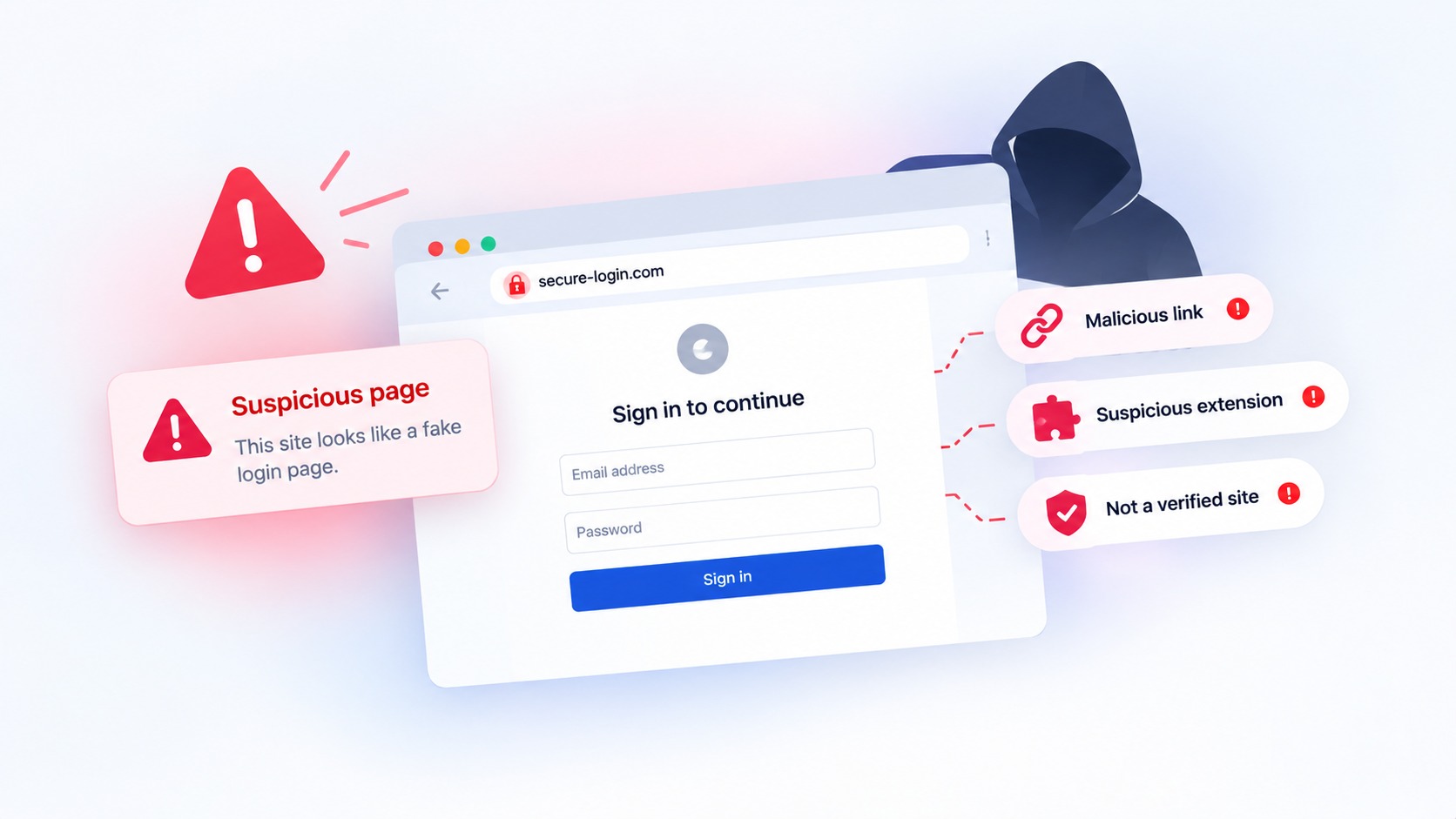
It uses a browser-in-the-browser (BitB) attack: a fake sign-in window is drawn inside the phishing page, with a forged address bar showing a trusted domain like accounts.google.com, while the real browser stays on the attacker's site.
A human operator steers the login in real time, choosing which MFA challenge the victim sees next (SMS, authenticator, Google prompt, number matching), so the attacker captures the second factor along with the password.
The target is business ad accounts. Agency staff and media buyers are lured in, and stolen accounts are used to run the attacker's own campaigns or sold for their clean spend history. Victims can lose control for weeks or months.
Because the address bar is forged and the login is captured live, "check the URL" and "turn on MFA" are both weakened. The reliable check is what the page actually is, before anything is entered.
For years, the single most repeated piece of phishing advice has been: check the address bar before you sign in. If the URL is not your real provider, do not enter your password. It is good advice, and a technique that researchers just documented in the wild is built specifically to defeat it, by faking the address bar itself.
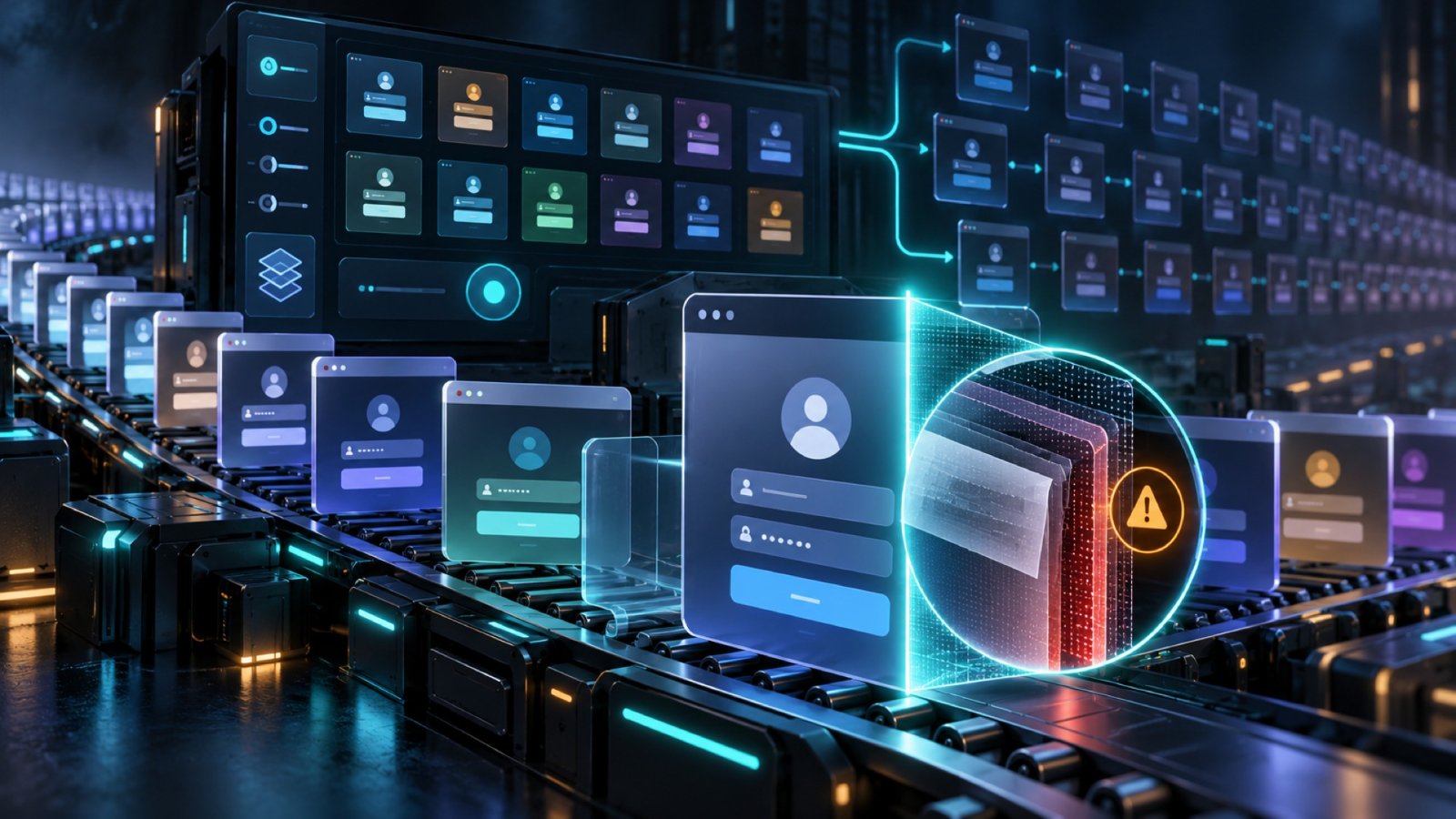
Island's researchers described a human-operated phishing platform that impersonates AI advertising products for ChatGPT, Gemini, Claude, Perplexity, Meta Muse, and Manus. Each fake product is built around a single button, Connect. Clicking it opens what looks like a normal sign-in window for Google or Okta, complete with an address bar showing a trusted domain like accounts.google.com. The window is fake. It is not a browser window at all. It is a picture of one, drawn inside the phishing page, and the real browser never left the attacker's domain.
This technique is called browser-in-the-browser, and it is worth understanding, because it quietly breaks the one habit most people rely on to stay safe.
How browser-in-the-browser works
To see why this is clever, it helps to separate the two things your browser's address bar normally does for you.
The real address bar, the one at the top of your actual browser window, is trustworthy. Your browser controls it, and a web page cannot change what it says. That is exactly why we tell people to read it. A browser-in-the-browser attack does not try to change the real one. It draws a second, fake one inside the page.
When you click Connect on one of these fake AI ad portals, the page renders a pop-up that looks pixel-for-pixel like a genuine sign-in window: the title bar, the window controls, and critically an address bar displaying accounts.google.com or a company's Okta tenant. Every part of it is just HTML and CSS on the phishing page. You can even drag it around. But it is a drawing of a login window, and the address it shows is a label the attacker typed, not a destination your browser actually visited. The whole time, your real browser is still on the attacker's domain. If you glanced up at your true address bar, you would see the phishing site, but the fake window is positioned to draw your eye, and the forged bar inside it says exactly what you were trained to look for.
So you type your Google or Okta password into the fake window, and it goes straight to the attacker.
The part that beats MFA
Stealing a password is only half of it, and this platform is built for the other half.
According to the researchers, a human operator watches each victim in real time and decides what happens next. Behind the fake window, the platform fingerprints the device and relays data to the operator, who can then trigger the exact next step of a real login: request the password again, show an SMS or authenticator-app challenge, display a Google prompt for approval or number matching, or walk through Okta's sequence of screens. When you enter your MFA code into the fake window, the operator feeds it into the real login they are performing on your account at that moment.
This is the same core idea as the reverse-proxy phishing we covered in a phishing service that beat MFA at 258 companies, delivered through a different disguise. The lesson is the same: multi-factor authentication is essential, but once you are entering your code into a convincing fake controlled by a live attacker, the second factor is being relayed, not protecting you. The defense has to come before that, at the moment you are deciding whether the login in front of you is real.
Why this one targets businesses specifically
The disguise here is not a consumer brand. It is a set of fake advertising-manager products, pitched at the people who run paid media: agency staff, media buyers, and manager-account administrators. Victims are lured in through invitation emails impersonating these AI brands, and the campaign even keeps pace with the news, standing up a fake "Muse" ad portal about a week after Meta launched the real Muse.
The payoff is ad-account takeover, which is its own quietly brutal problem. As Island put it, the stolen card is the easy part to fix. Getting the account back is not: attackers typically add themselves as administrators and downgrade the real owner, and recovery can take weeks or months while the account keeps spending. For a manager account, the damage spreads to the agency's clients. There is a whole commodity market for hijacked ad accounts with clean spend histories, which is why this is worth an attacker running a polished, human-operated platform to pull off.
It is also a reminder that the fake does not have to impersonate your bank or your email to hurt your business. It can impersonate the tools your team is rushing to adopt. We have written about AI brands becoming prime phishing bait in ChatGPT is now one of the most impersonated brands in phishing and the fake "download ChatGPT" scam; this is that same instinct aimed at your ad budgets.
Where this can actually be stopped
Step back and notice what this attack has quietly disabled. Checking the address bar fails, because the address bar you are looking at is forged. Spotting a clumsy fake fails, because the window is pixel-perfect and, as we have argued in why modern phishing no longer looks like phishing, the tells are gone. And MFA is weakened, because a live operator is relaying your code the instant you enter it. The checks a careful person is told to perform have each been engineered around.
What has not changed is the ground truth underneath the illusion: the real page is the attacker's domain, no matter what the fake window draws on top of it. That is the one thing a browser extension can see and a person cannot.
That is where Haven works. Haven is a browser extension that checks whether the page you are actually on is who it claims to be, rather than trusting a URL bar, a reputation score, or how convincing the window looks. A browser-in-the-browser attack is almost a best case for it, because the entire trick depends on fooling a human into reading a fake address bar, while the real page underneath, the thing Haven inspects, is plainly the attacker's phishing site. When you land on one of these fake AI ad portals and the Connect button tries to pop a forged Google or Okta window, Haven flags the page as impersonated before you type a password or an MFA code into it.
To be precise about scope: Haven works at the page, in the browser, at the moment of the decision. It is not an email gateway, so it does not stop the invitation email that lures someone to the portal, and it is a complement to phishing-resistant MFA like passkeys and security keys, not a replacement for them, which matters here because this attack is designed to relay ordinary MFA codes. And once an ad account has been hijacked, recovering it is a matter for that platform's support and your security team, not a browser extension. Haven's job is to stop the credentials and the code from reaching the fake window in the first place.
For organizations, and especially for agencies where one compromised manager account can expose every client, Haven for Business extends this check across every employee's browser. The people being targeted here are exactly the ones with access to real ad spend, which is why a browser-level check on the page itself belongs on their machines.
The uncomfortable takeaway is that the advice we have given for a decade, check the URL, has an expiration date, because attackers can now draw a convincing URL bar wherever they want. The durable version of that advice is not to read the address, it is to verify what the page truly is. That is a harder thing for a person to do by eye, and it is exactly the thing worth having something check for you, in the moment before you sign in.
About Haven
Haven is a browser extension that helps people make safer trust decisions online, before a scam can cost anything. It works at the moment someone is about to click a link or enter a password, flagging fake and impersonated login pages, suspicious links, and look-alike sites, and pausing risky downloads. Rather than only checking a page against a list of known-bad sites, Haven analyzes the actual page in front of the user, so it can catch brand-new and convincing fakes that other tools miss.
Haven is free for individual use. For teams, Haven for Business extends this browser-level protection across every employee. Haven is operated by MirrorTab, Inc.