Multi-factor authentication is supposed to be the backstop. Even if an employee's password leaks, the thinking goes, an attacker still cannot get in without the second factor. For most of the last decade, that held up well enough to be the single most recommended security control there is.
A newly documented phishing operation shows how thoroughly that assumption has broken. A phishing-as-a-service kit called BigBear 2.0 was used to bypass MFA at 258 organizations and steal more than 5,000 Microsoft 365 logins, according to researchers at CloudSEK who gained access to its control panel. The employees who were compromised did not have weak passwords, and most of them completed their MFA prompt correctly. The attack was built to win anyway.
This one matters for every business, because it targets the exact system most companies now run their entire identity on Microsoft 365.
Key takeaways
BigBear 2.0 is a phishing-as-a-service kit that uses an adversary-in-the-middle proxy to defeat MFA. Its control panel had exfiltrated 5,137 credential records, including 474 fully MFA-bypassed logins and 4,148 session cookies, affecting 258 organizations across 40+ countries (source).
The attack works even when the employee has MFA on and completes it correctly, because it steals the logged-in session, not just the password.
It is sold as a service to affiliates, which means this capability is now cheap, rented, and running at scale.
Employee training helps but cannot fully close this gap: the fake login page is a flawless copy, and the person is asked to make an impossible judgment in the moment.
The reliable place to stop it is the browser, by flagging the fake login page before any credentials are entered.
Keep your business safe from online threats
Haven for Business protects every employee from phishing, fake sites, and browser-based attacks.
How the attack actually works
The old way to phish a password was simple: trick someone into typing it into a fake form, then use it later. MFA broke that, because the stolen password alone was no longer enough.
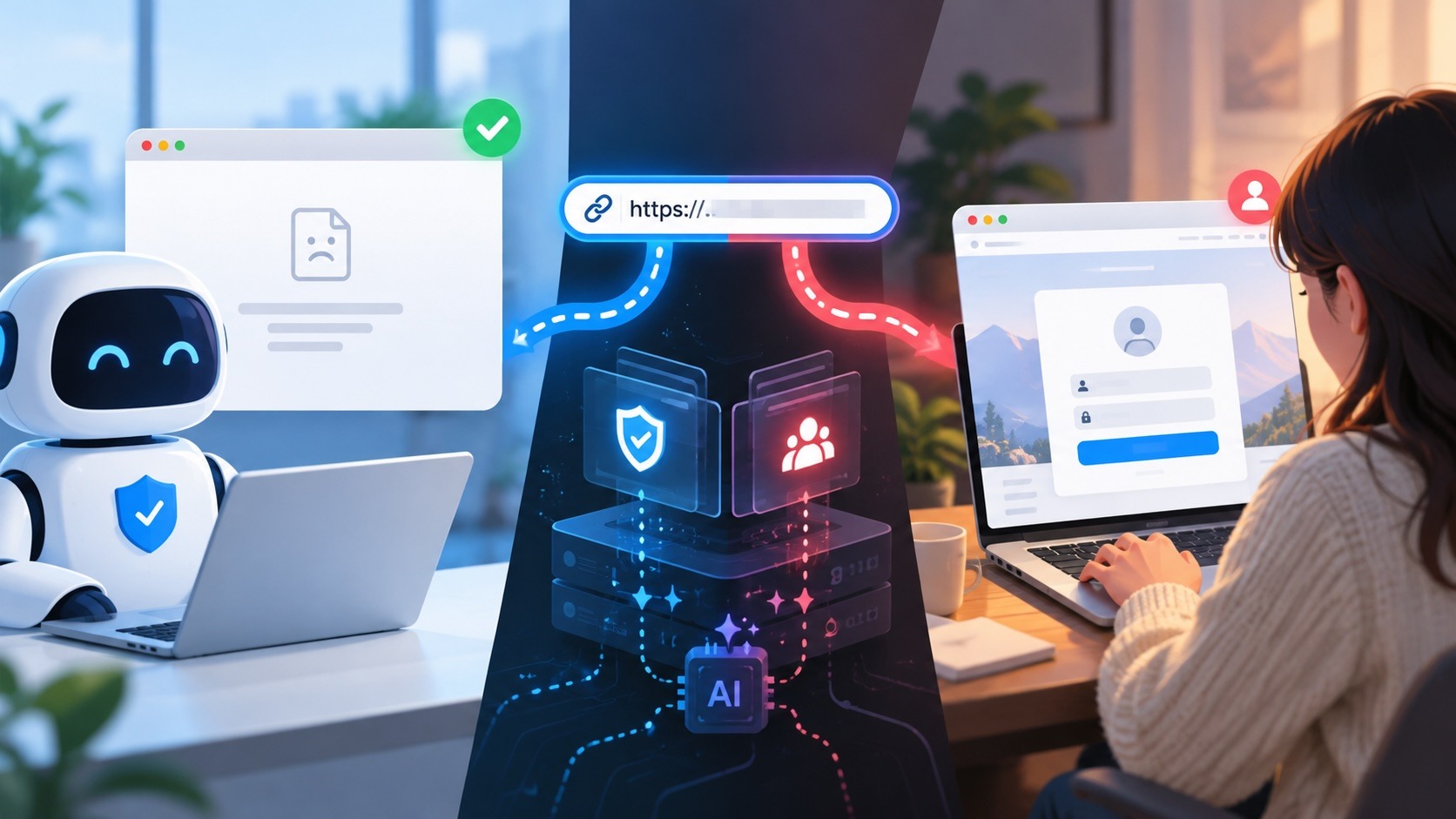
BigBear uses a technique called adversary-in-the-middle (AiTM), and it is worth walking through slowly because it is the mechanism defeating MFA across the industry right now. Picture the fake Microsoft login page not as a static copy, but as a live relay sitting between the employee and Microsoft's real servers. Here is the sequence:
The employee is lured to a page that looks exactly like the Microsoft 365 sign-in. It is a proxy the attacker controls.
They type their username and password. The proxy instantly forwards those to the real Microsoft, which triggers a genuine MFA prompt on the employee's phone.
The employee approves the prompt, believing they are logging in normally.
Microsoft completes the login and issues a session cookie, the token a browser gets that says "this person is authenticated." The proxy quietly copies it.
With that session cookie, the attacker is now logged in as the employee. They do not need the password again, and they do not need to pass MFA again, because they are holding the proof that MFA was already passed. The employee did everything right. They just did it through the attacker's page.
BigBear layers on two refinements that make it even harder to catch. It uses geo-matched residential proxies for 69 countries, so the login appears to come from the same region as the employee and does not trip Microsoft's "suspicious sign-in" checks. And it runs custom JavaScript that interferes with FIDO2 and WebAuthn, the passkey-style methods that are actually resistant to this attack, disabling them in the browser to push victims back toward weaker MFA it can defeat.
Why this is a business problem, not just an inconvenience
The prize here is not one mailbox. Microsoft 365 is the identity layer for most organizations. A single hijacked session can expose email, files in SharePoint and OneDrive, Teams, and, through single sign-on, potentially every other application connected to that identity. From there, attackers typically read mail quietly, set up forwarding rules, and use the trusted account to phish colleagues, customers, and suppliers from the inside.
Two details from the research make the scale clear. BigBear is a multi-user phishing-as-a-service platform leased to at least five affiliate crews, each receiving stolen credentials in real time through Telegram bots. And it ran across 42 servers configured specifically to target Microsoft 365. This is not a lone attacker; it is a rented, industrialized capability, which is why it hit hundreds of organizations at once.
Why "train your employees" is not enough
The standard advice after an incident like this is more security awareness training. Training is worth doing, but it cannot carry the load here, for a simple reason: there is nothing for the employee to notice.
The fake login page is a pixel-perfect copy of the real Microsoft sign-in. There is no typo, no clumsy design, no obvious warning sign. As we wrote in our piece on why modern phishing no longer looks like phishing, the tells people are trained to look for have been engineered out. And the one habit that would save them, MFA, does not help, because the attack is specifically designed to let them complete it and steal the result.
You are asking a busy person, under time pressure, to distinguish a perfect replica from the real thing, and then telling them their MFA will protect them if they get it wrong. It will not. That is not a training failure. It is an impossible test.
Where this can actually be stopped
If the employee cannot reliably tell the page apart, and MFA does not save them, the defense has to move to a place that can tell the page apart: the browser, at the moment before anything is typed.
That is exactly where Haven works. Haven is a browser extension that checks whether a page truly is who it claims to be, rather than trusting how convincing it looks. When an employee lands on an adversary-in-the-middle page impersonating the Microsoft 365 login, Haven flags it as a fake login before they enter their password, no matter how perfect the copy is or how the link reached them. The whole attack depends on the employee entering credentials on that page. Haven's job is to make sure they do not.
To be precise about what this does and does not do: Haven catches the fake login page at the point of entry, upstream of the whole chain. It is not sitting inside the attacker's proxy traffic, and it cannot recover a session that has already been stolen. What it does is prevent the employee from reaching the step where the theft happens, which is the only reliable point of control once the fake page is this convincing and MFA can be relayed.
Alongside the browser-level check, the guidance from the researchers still holds and is worth pairing with it: move high-value accounts to phishing-resistant FIDO2 or passkeys, and use Conditional Access policies that require managed, compliant devices rather than trusting location signals. Haven closes the gap those controls leave open, the moment an employee is standing in front of a flawless fake and about to type.
For teams, Haven for Business extends this protection across every employee's browser, which is the level this threat operates at. We have written before about why Microsoft 365 phishing can beat MFA and how these attacks bypass your password and MFA in the first place; BigBear is what that looks like when it is packaged, rented, and pointed at hundreds of companies at once.
The uncomfortable lesson is the same one running through every modern attack: you can no longer trust that a login page is real because it looks real, and you can no longer treat MFA as the finish line. The only durable defense is to confirm what a page actually is before anyone hands over the keys.
About Haven
Haven is a browser extension that helps people make safer trust decisions online, before a scam can cost anything. It works at the moment someone is about to click a link or enter a password, flagging fake and impersonated login pages, suspicious links, and look-alike sites. Rather than only checking a page against a list of known-bad sites, Haven analyzes the actual page in front of the user, so it can catch brand-new and convincing fakes that other tools miss.
Haven is free for individual use. For teams, Haven for Business extends this browser-level protection across every employee. Haven is operated by MirrorTab Corp.