You enabled two-factor authentication. You're careful about your passwords. You think you're protected.
You could be wrong.
A new category of phishing attack - called Adversary-in-the-Middle (AITM) - doesn't need your password. It doesn't need to crack your MFA code either. It waits until you've already logged in successfully, then steals the prize: your active session cookie, which lets attackers impersonate you without any credentials at all.
Google's June 2026 Scams Advisory confirmed that AITM campaigns are actively targeting everyday users, and that phishing has evolved well beyond fake emails into the tools you use every day: Google Calendar, Google Docs, and Google Sites.
Here's what's actually happening, and what you can do about it.
What Is an AITM Phishing Attack?
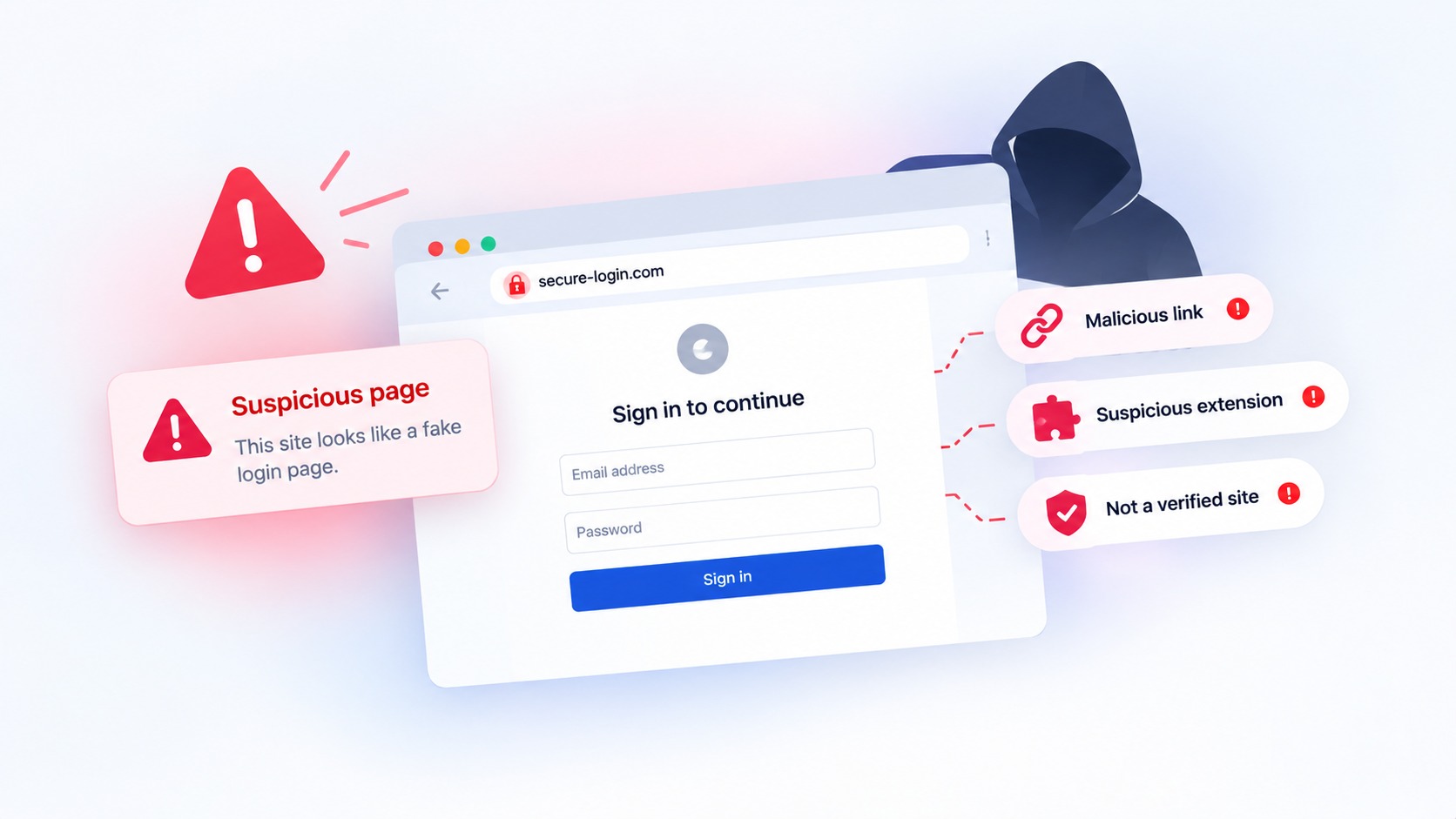
In a traditional phishing attack, a fake login page tricks you into handing over your password. AITM attacks are more sophisticated. The attacker sets up a proxy that sits between you and a legitimate service - say, your bank or your email provider. When you "log in" on the fake page, the proxy silently forwards your credentials to the real site in real time, captures the session cookie the real site sends back, and uses that cookie to stay logged in as you.
The result: you think the login was successful (because it was). You have no idea anything went wrong. Meanwhile, the attacker now holds an active, authenticated session - no password required.
According to Microsoft's 2025 Digital Defense Report, 80% of recent MFA-bypass breaches used session-token theft via AITM kits. Multi-factor authentication, the security measure most people rely on as a backstop, does nothing to stop this class of attack.
Attackers Are Using Your Trusted Tools Against You
One reason AITM attacks are so effective right now: attackers have learned to hide inside platforms you already trust.
Google's advisory highlighted three techniques that are actively being used together:
Calendar Phishing. Fake event invites are added directly to Google Calendar, often disguised as subscription renewals or meeting requests. The link inside the invite leads to a phishing landing page - but because the invite came from Google Calendar itself, it clears most email security filters without issue.
Reputation Bypass. Attackers host malicious content inside legitimate cloud services like Google Docs, using "invisible pages" to embed phishing instructions that evade standard web scanners. Because the domain is trusted (google.com), security tools wave it through.
ClickFix. A page - often hosted on a legitimate-looking Google Sites URL - tells you a browser update or verification step is required, then asks you to paste a command or run a small download. That "fix" is malware. Mimecast recorded a 500% surge in ClickFix attacks in the first half of 2025.
What ties all three together: the attack lands in your browser. That's where the fake login page appears. That's where the malicious link gets clicked. That's where the session cookie gets stolen.
Phishing Kits Are Available to Anyone
This isn't just the work of sophisticated nation-state hackers. Phishing-as-a-Service (PhaaS) platforms sell ready-made AITM kits to anyone willing to pay a subscription.
Tycoon 2FA was one of the most widely used kits - enabling MFA-bypassing attacks at scale. Even after industry action was taken against it earlier this year, the takedown didn't end AITM phishing: it redistributed it. Other kits filled the gap. The ecosystem is resilient by design.
Barracuda's Red Team showed that an AI-powered phishing chain - combining a phishing email, a ClickFix lure, and an MFA bypass - can escalate to full endpoint compromise in under five minutes, while evading traditional security controls at every step.
What Haven Can (and Can't) Do
Haven lives in your browser, which puts it exactly where these attacks land.
What Haven detects:
Fake login pages. Haven checks whether the login page you're looking at is legitimate. If a site is impersonating your bank, your email provider, or another trusted service, Haven flags it before you enter anything.
Phishing links in Google Calendar. Because Haven runs in your browser, it analyzes links you click regardless of where they came from - including calendar invites. If a meeting link leads to a phishing page, Haven catches it.
Lookalike and suspicious sites. AITM proxies often use domains that look nearly identical to the real thing. Haven is built to spot the difference.
What Haven can't do:
Haven can't scan QR codes. If a phishing link is embedded in a QR code and you scan it with your phone outside the browser, Haven has no visibility into that. This is a real gap - and worth knowing about. For QR codes in unexpected emails or messages, the safest move is not to scan them at all.
What You Should Do Right Now
Haven is one layer. Here are a few others worth adding:
Navigate directly. If you get an unexpected renewal notice, account alert, or login prompt - even in a calendar invite - don't click the link. Go directly to the service's official website instead.
Be skeptical of "fix" instructions. No legitimate website will ask you to paste a command into your computer or browser to verify your identity. If a page tells you to do this, close it.
Check your Google Calendar settings. Google recommends setting event creation from invitations to "When I respond to the invitation in email" so nothing gets added to your calendar automatically.
Keep MFA enabled. AITM attacks can bypass MFA, but that doesn't mean MFA is useless. It still stops a wide range of simpler attacks. Think of it as one layer - not the only one.
The Browser Is the Battleground
Email filters can't always see inside a Google Calendar invite. QR codes bypass every corporate security tool. A trusted domain is trusted by design.
Attackers know this. They've built an entire ecosystem around the fact that the browser is where defenses are thinnest.
Haven is built for exactly this gap. Install it once, and it runs quietly in the background - watching login pages, checking links, and flagging the threats that get through everything else.