Attackers are using AI and a clever trick called link cloaking to hide phishing pages from security scanners. New research shows why the moment you actually visit a website matters more than ever.
Imagine receiving an email from a company you recognize.
Maybe it's a notice about your payroll account. A document someone needs you to review. Or a message saying there's a problem with your Microsoft 365 login.
You click the link. The website looks legitimate. The branding is familiar. Everything seems normal.
But here's the strange part.
When your company's security scanner checked that exact same link, it saw something completely different. Maybe an error page. Maybe an ordinary website. Nothing particularly suspicious.
Same link. Two very different experiences.
And that's exactly what some phishing criminals are counting on.
Meet Athena StealthRoute
On October 21, 2026, cybersecurity company Abnormal AI published research revealing Athena StealthRoute, a previously unreported phishing-as-a-service platform.
That's a complicated name for a fairly simple idea: a service that makes it easier for criminals to create and manage phishing campaigns.
Think of it as a storefront for scams.
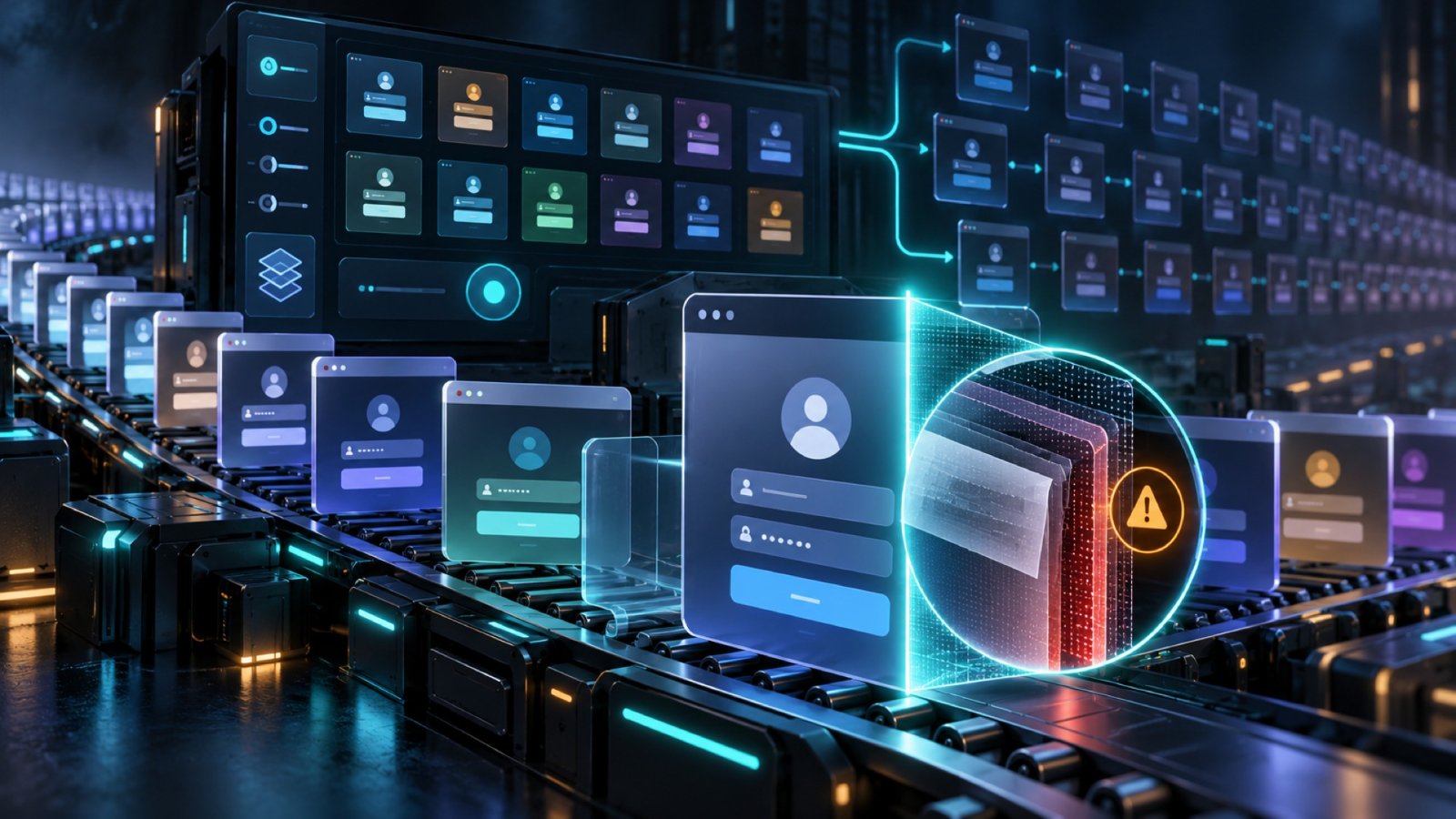
Instead of building everything themselves, attackers can access ready-made phishing emails, fake login pages, domains, and tools designed to disguise malicious links.
Athena StealthRoute also includes AI-assisted workflows that can help create convincing emails, subject lines, supporting documents, and decoy webpages.
And this isn't just a theoretical concern.
Over six months, Abnormal researchers identified approximately 89,700 attack-flagged messages matching the platform's distinctive link pattern across roughly 2,280 organizations in the United States and Europe.
That's a lot of opportunities for someone to make one unfortunate click.
But the most interesting part of this research isn't the volume of phishing messages.
It's how the platform tries to keep security tools from seeing what's actually happening.
The scanner sees one thing. You see another.
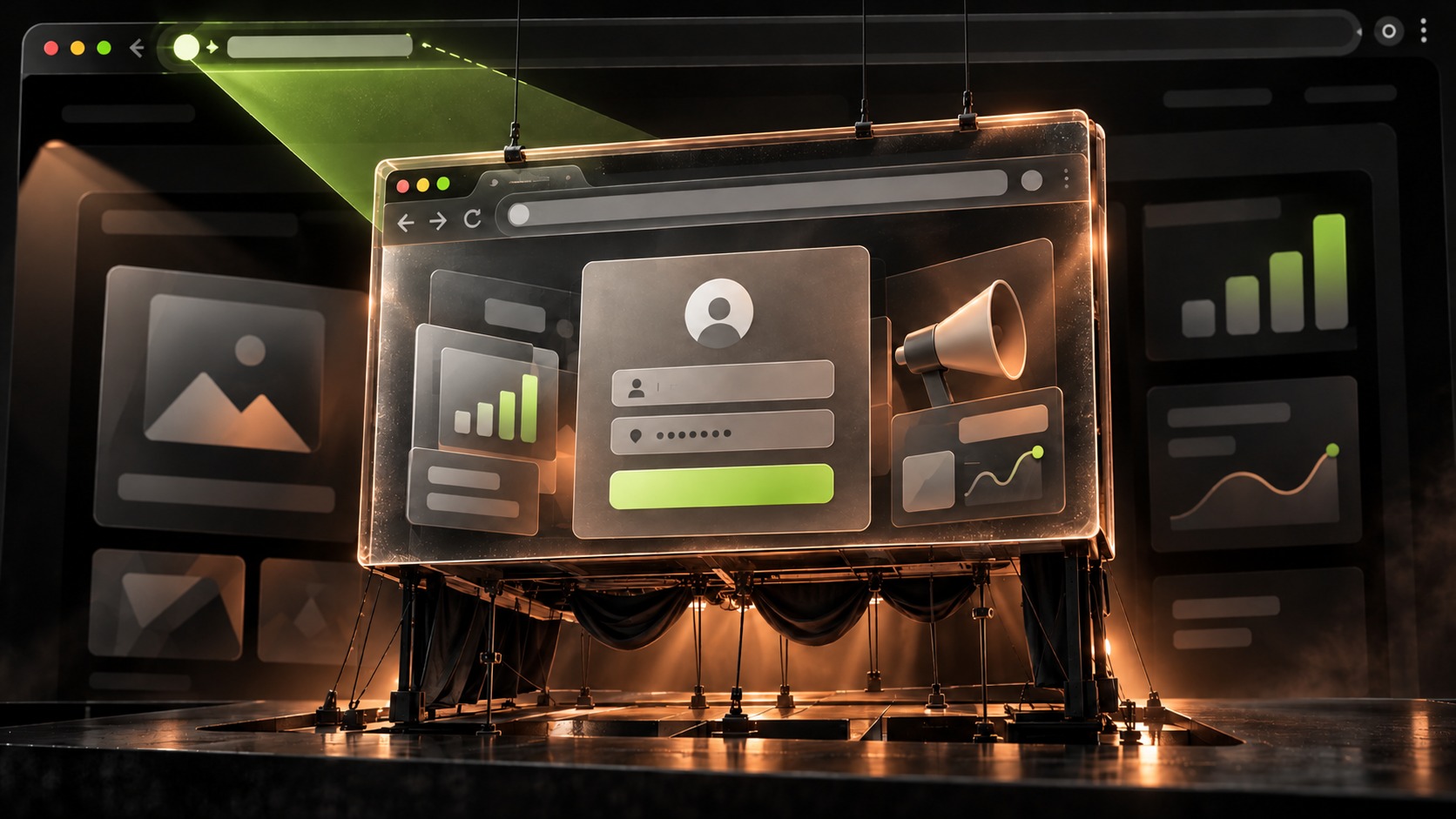
One of Athena StealthRoute's capabilities is something called link cloaking.
Here's how it works.
When a security scanner visits a suspicious link, the attacker's system can recognize that the visitor looks like an automated security tool.
Instead of displaying the phishing page, it might show a 404 error or redirect the scanner to an unrelated, legitimate website.
Nothing to see here.
But when an actual person visits that link, the system may present the phishing content the attacker intended them to see.
The result?
A security tool inspecting the link and the person clicking it may encounter entirely different pages.
To be clear, this doesn't mean every security scanner will be fooled, or that traditional email security has stopped working. Those protections still catch an enormous amount of malicious activity.
But it illustrates a challenge that's becoming increasingly important: checking a link before someone opens it isn't always the same as seeing what that person will experience.
And that's a gap attackers are trying to exploit.
AI is making an old problem harder
Phishing isn't new. Neither is impersonation.
People have been receiving fake bank notices, delivery updates, and urgent password-reset requests for years.
What's changing is how easily those scams can be created and customized.
With AI-assisted tools, attackers can generate different versions of a message, adjust the tone, create convincing supporting documents, and experiment with language that may be harder for content-based detection systems to connect.
The traditional advice has always been to watch for obvious warning signs: poor grammar, unusual wording, suspicious formatting, or messages that just feel off.
That advice still has value.
But what happens when the grammar is perfect?
When the message sounds exactly like a routine business communication?
When the fake website looks nearly identical to the one you visit every day?
We're asking people to distinguish between increasingly convincing digital experiences, often while they're busy doing something else.
And the attackers only need one mistake.
You shouldn't have to be a cybersecurity expert to use the internet
This is something we think about a lot at Haven.
Security awareness training matters. Email filtering matters. Multifactor authentication matters.
None of those should go away.
But even with all those protections in place, there's still a moment when someone opens a browser and has to decide whether to trust what's in front of them.
Is this really my bank?
Is this the correct payroll website?
Is this login page legitimate?
Should I enter my password here?
That decision might happen in just a few seconds.
And increasingly, the clues people have been taught to look for aren't enough.
We don't think the answer is to ask everyone to become better detectives.
We think the answer is to give people better protection while they're actually using the internet.
Protection needs to reach the browser
Abnormal's findings highlight why cybersecurity can't stop at the inbox.
Email security can evaluate a message before it reaches you. Link scanners can investigate suspicious destinations. Browser protections provide another opportunity to evaluate what someone is actually encountering.
These are complementary layers, not competing approaches.
It's why we built Haven.
Haven is a browser extension for Chrome and Microsoft Edge that helps people recognize phishing sites, lookalike domains, and other suspicious online experiences.
When you visit a website, Haven helps determine whether you're interacting with a legitimate destination or something that may be impersonating one.
It can give you a clear signal when a trusted site is verified, warn you about suspicious lookalikes, and help you think twice before entering sensitive information somewhere you shouldn't.
Haven also adds protections around sensitive websites and potentially risky downloads.
It works in the browser because that's where so many of these decisions actually happen.
Does that mean Haven can catch every phishing attack or defeat every cloaking technique? Of course not. No single security tool can.
But protecting people at the point of interaction adds an important layer that earlier checks alone can't fully provide.
And unlike traditional security awareness training, that protection doesn't depend on someone remembering a lesson from six months ago.
The internet is getting trickier. Staying safe shouldn't have to be.
Athena StealthRoute is one example of how phishing continues to evolve.
Attackers are getting better tools. AI is making convincing content easier to produce. And techniques like link cloaking are designed to make malicious destinations harder to inspect.
We can expect more of this, not less.
But the takeaway shouldn't be that every email is dangerous or every website is suspicious.
It should be that people deserve protection that keeps up with how they actually use the internet.
Because the important question isn't just whether a security scanner checked a link.
It's whether someone has help recognizing a dangerous page when they're the one looking at it.
That's the last mile of cybersecurity.
And it's the one we're working to protect.
Make the internet a little safer with Haven
Haven helps you recognize fake websites, suspicious links, and online impersonation before a mistake becomes a problem.
It's free for individuals, with managed protection available for businesses and MSPs.
Get Haven free →
Source: Abnormal AI, "Athena StealthRoute: A Phishing Marketplace with Cloaking and AI Tools," October 21, 2026.