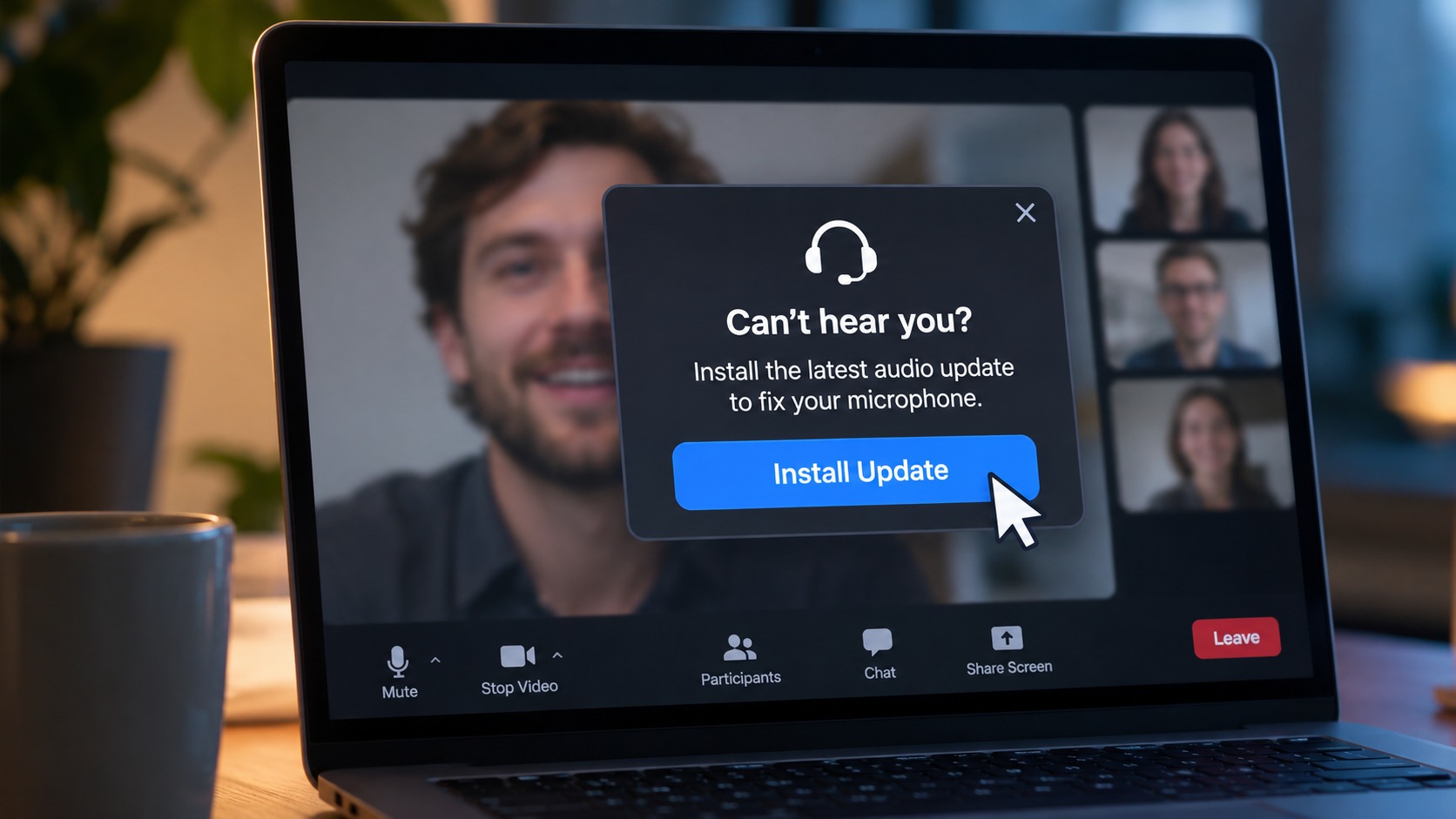
What the Optimizely security incident reveals about the risks hiding inside trusted websites.
You visit a website you've used a hundred times.
Maybe you're joining a Zoom meeting. Checking the news. Shopping for something. Logging into a financial service.
Everything looks exactly as it should. The URL is correct. The brand is familiar. There's no suspicious email, strange attachment, or obvious warning sign.
And yet, something malicious could be running in your browser.
That's the uncomfortable lesson from the November 2026 Optimizely security incident, which affected websites associated with some of the world's most recognizable brands.
The websites weren't necessarily fake.
The danger came from code they trusted.
What happened with Optimizely?
On November 16, 2026, security researcher Scott Helme reported that malicious JavaScript had been delivered through Optimizely Web Experimentation, a platform businesses use to test and personalize website experiences.
The investigation identified compromised scripts associated with 178 organizations, including websites belonging to Zoom, CNN, BBC, Salesforce, IKEA, and HSBC.
The attackers exploited a vulnerability in Optimizely's account signup process, allowing them to impersonate users and inject malicious JavaScript into customer projects.
That code was then delivered through legitimate website integrations.
According to the researchers, the malicious code was designed to carry out several activities, including:
Replacing cryptocurrency wallet addresses with attacker-controlled addresses.
Attempting to capture payment card information.
Stealing browser cookies and screenshots.
Delivering exploit code targeting vulnerabilities in older iPhones and iPads.
Optimizely confirmed the incident, fixed the vulnerability, and removed the injected code. The company said fewer than 5% of its customers were affected and that the incident was limited to its Web Experimentation product.
The full extent of the impact on website visitors remains uncertain.
But the lesson is already clear.
A trusted website isn't necessarily a safe browsing experience
Most of us have learned to recognize the obvious warning signs of online scams.
Watch out for suspicious links. Don't download files from unknown sources. Check the website address before entering sensitive information.
All good advice.
But what happens when the website address is correct?
Modern websites don't operate in isolation. They rely on a collection of outside services to provide analytics, personalization, advertising, customer support, and other functionality.
These services often deliver JavaScript that runs directly in a visitor's browser.
When everything works as intended, nobody notices.
When one of those trusted dependencies is compromised, the consequences can extend across many otherwise legitimate websites.
That's what makes this incident so important.
The attacker didn't need to convince visitors to go somewhere unfamiliar. The malicious code could meet them somewhere they already trusted.
The browser is where trust gets tested
Think about how much of your day happens inside a browser.
Banking. Shopping. Working. Communicating. Managing accounts. Accessing sensitive information.
We move between websites constantly, often without considering what is running behind the scenes.
And while a familiar name or recognizable logo might tell us who operates a website, it doesn't tell us everything about the code, services, or connections involved in our browsing experience.
That's a meaningful distinction.
A website can be legitimate and still expose visitors to malicious activity through a compromised third-party service.
Security can't depend entirely on recognizing which websites look trustworthy.
It also requires understanding that risks can change, even on websites we've visited safely many times before.
What can you do to stay safer?
You shouldn't have to investigate every website's JavaScript before browsing. But a few practical habits can help reduce your exposure.
Keep your browser and devices updated. Security updates help protect against known vulnerabilities, including those that attackers may attempt to exploit through malicious website code.
Be careful with sensitive transactions. Before approving cryptocurrency transfers or entering payment information, pay attention to unexpected changes, unfamiliar prompts, or unusual behavior.
Review browser extensions. Extensions can have significant access to your browsing activity. Keep only those you need, understand their permissions, and remove ones you no longer use.
Use additional layers of protection. No single security measure catches every threat. Combining updated software, safe browsing habits, and protective technologies helps reduce risk.
Expect threats to evolve. A website that was safe yesterday isn't guaranteed to present exactly the same risks today.
A safer internet starts with better protection where you browse
At Haven, we believe online security should work with people, not require them to become cybersecurity experts.
That's why we're focused on making browser protection more accessible, helping people identify suspicious links, recognize potentially dangerous destinations, and make safer decisions as they navigate the web.
The Optimizely incident highlights an important reality: even familiar websites can be affected by risks originating elsewhere in the web ecosystem.
No browser security tool can guarantee protection from every compromised script or supply-chain attack. This incident is also a reminder of the important responsibility website operators have to monitor and control the third-party code they deploy.
But it reinforces why the browsing experience deserves more attention.
Because the question isn't simply whether you trust the website you're visiting.
It's whether you understand the risks that might come with it.
The internet isn't always what it appears to be. Your protection shouldn't depend on appearances, either.
Frequently Asked Questions
What happened in the Optimizely security incident?
On November 16, 2026, attackers exploited a vulnerability in Optimizely Web Experimentation to inject malicious JavaScript into some customer projects. The code was then served through legitimate website integrations.
Which websites were affected by the Optimizely attack?
Researchers identified compromised scripts associated with 178 organizations, including websites belonging to Zoom, CNN, BBC, Salesforce, IKEA, and HSBC. This does not necessarily mean those organizations' internal systems were breached.
Can legitimate websites contain malware?
Yes. Legitimate websites can expose visitors to malicious code through compromised third-party services, advertising networks, scripts, or other dependencies, even when the website itself hasn't been directly compromised.
Does HTTPS mean a website is completely safe?
No. HTTPS encrypts the connection between your browser and a website, but it does not guarantee that every script or piece of content delivered by that website is safe.
How can I reduce my risk from malicious website scripts?
Keep your browser and devices updated, limit unnecessary browser extensions, use protective security tools, and remain cautious around unexpected payment or account-related requests. Website operators should also implement appropriate controls for third-party JavaScript.
Sources
Scott Helme, Report URI, November 16, 2026: World's Largest Brands Infected With Malware Via Optimizely