Hackers are using familiar faces, fake video meetings, and one very believable excuse to trick people into installing malware. Here's what to watch for.
It starts with a message from someone you know.
Maybe it's an old colleague. A business contact. Someone you haven't spoken to in a while.
They suggest catching up over Zoom. You find a time, get a calendar invite, and click the meeting link.
So far, nothing unusual.
You join the call. There's your contact, right on screen. Maybe a couple of other people, too.
Then someone says they can't hear you.
A message appears asking you to fix your audio. There's a quick update to install. Everyone is waiting.
And that's where things go sideways.
Because the person on your screen isn't actually there.
And the meeting isn't real.
A familiar face isn't always a familiar face
In November 2026, the FBI revealed details of an operation it calls FaceStealer, a sophisticated scam attributed to North Korean hackers.
The attackers primarily targeted people working in cryptocurrency and Web3, along with software developers and maintainers.
Their approach was surprisingly personal.
First, they compromised someone's communications account, such as Telegram or LinkedIn. Then they used that person's identity to contact people they knew.
Not a random phishing email from a mysterious stranger. An actual message from an actual account belonging to someone familiar.
Next came the meeting invitation.
The attackers created convincing copies of Zoom and Microsoft Teams websites. Inside those fake meetings, they played previously recorded webcam footage of the person the victim expected to see.
The video was real. The person was real.
The conversation wasn't.
According to the FBI, investigators seized more than 900 webcam videos and linked the broader scheme to over $400 million in cryptocurrency theft over 18 months.
Those are significant numbers.
But the detail that stands out is much smaller.
The attackers didn't need you to trust a stranger. They borrowed the trust you'd already given someone else.
The oldest trick in the book, with better production
We've been told for years to watch out for suspicious links, strange emails, and people pretending to be someone they're not.
That advice still matters.
But it's getting harder to apply when the message comes from a genuine account, the meeting appears on your calendar, and the person on screen looks exactly like the person you expected.
The scammers added one more ingredient: a little social pressure.
In the FaceStealer scheme, victims were told their audio wasn't working. The apparent meeting participants were waiting for them to fix it.
The solution was conveniently provided.
Click an update. Run a script. Paste a command into your computer's terminal.
What appeared to be a technical fix was actually a way to install malware.
And once a device was compromised, attackers could steal information, access accounts, and gather more material to impersonate the next person.
It's a scam designed to keep feeding itself.
The link deserves a second look
Here's something worth remembering: a convincing website isn't necessarily a legitimate website.
Anyone can build a page that resembles Zoom or Microsoft Teams. They can copy the layout, the colors, the buttons, and even the little messages that make it feel familiar.
What they can't simply copy is the legitimate domain behind it.
In this campaign, the FBI documented attackers using lookalike web addresses designed to resemble real video meeting links.
That's why checking where a link actually leads matters.
A website can look exactly right while its address tells a completely different story.
And that difference is easy to overlook when you're running late for a meeting.
Four things worth doing before your next video call
You don't need to become a cybersecurity expert. A few small habits can make a meaningful difference.
1. Check the meeting link, even when you recognize the sender.
Pay attention to the actual website address, especially when a meeting link arrives unexpectedly or through an unusual messaging channel.
2. Don't install a mystery update because someone in a meeting asks you to.
Legitimate video conferencing applications have their own update processes. If a website tells you to paste commands into your terminal to fix your microphone, stop.
3. When something feels off, verify it another way.
Send the person a separate message using a contact method you already know. Call them directly. Ask whether they really sent the invitation.
A quick confirmation is much easier than recovering a compromised account.
4. Give yourself a second opinion.
Even people who know what to look for can miss a suspicious link. Especially when they're distracted, busy, or expecting a perfectly normal interaction.
That's where having a little help in your browser can make a difference.
You shouldn't have to investigate every link yourself
The internet asks us to make dozens of tiny trust decisions every day.
Open this document. Join this meeting. Check this delivery. Sign in here.
Most of the time, everything is fine.
But the occasional convincing fake is exactly what makes those decisions difficult.
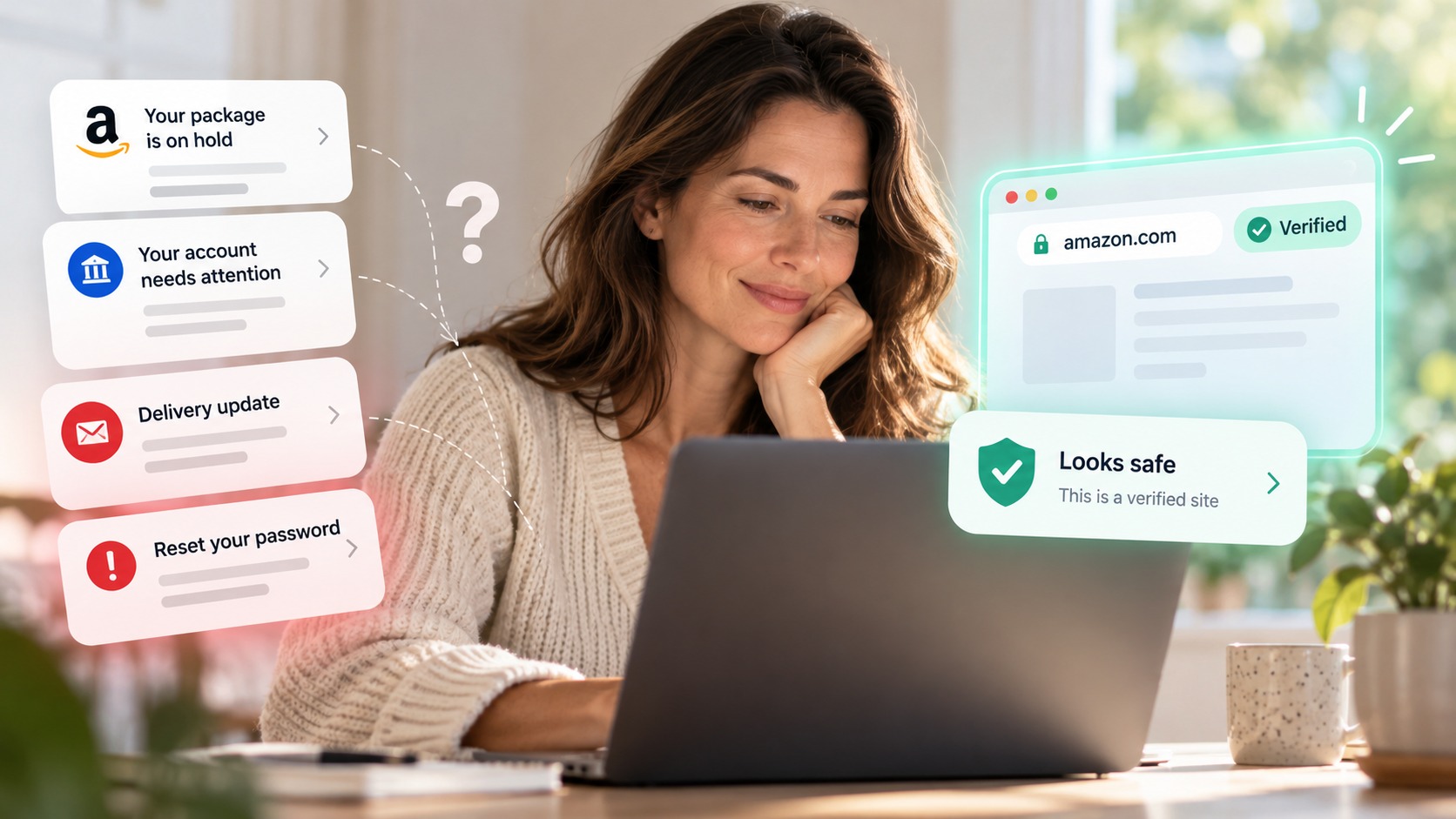
Haven is a free browser security extension that checks links and websites as you browse, looking for signs of phishing, impersonation, and suspicious domains.
When a link has warning signs, Haven helps you understand what's unusual about it, so you can decide what to do next.
It's not a guarantee against every scam. And it can't protect you from a malicious command you choose to run on your computer.
But it can provide useful context before you trust a suspicious website.
Because recognizing someone's face shouldn't mean you have to stop paying attention to the link.
And being careful online shouldn't have to become a full-time job.
The internet is weird. Bring a friend.
Source: FBI FaceStealer advisory, November 2026.