You don't need an IT department or a big budget to meaningfully reduce your team's exposure to phishing. Here are the specific things that actually move the needle — most of which take less than five minutes to implement.
Most small business owners know phishing is a problem. What stops them from doing anything about it isn't lack of concern — it's the assumption that real protection requires a security team, a big budget, or a level of technical knowledge they don't have.
It doesn't. The steps that prevent the majority of successful phishing attacks on small teams are simple, fast, and mostly free. Here's exactly what to do.
1. Train your team on one simple phishing rule: if it feels suspicious, don't click
This sounds obvious but most teams have never had an explicit conversation about it. Send a message today — Slack, email, whatever you use — and say it plainly: if any email, link, or attachment feels even slightly off, don't click it. No exceptions, no second-guessing yourself. The cost of a missed legitimate email is zero. The cost of clicking the wrong link can be catastrophic.
Pair that with one more instruction: if you receive a suspicious email that appears to be from someone on the team — your boss, a colleague, a vendor you know — text or call them directly before taking any action. Don't reply to the email. Don't click anything in it. Just pick up the phone. This single habit stops CEO fraud and account compromise attacks cold. [link to BEC post, anchor text: "these are the most common ways attackers impersonate people your team trusts"]
2. Turn on two-factor authentication to protect your team's email accounts
If your team uses Gmail or Microsoft 365, two-factor authentication is available right now and takes about five minutes to enable. It means that even if someone's password gets stolen — through a phishing attack, a data breach, or password reuse — an attacker still can't get into their account without a second verification step.
This is the single highest-leverage security action most small teams haven't taken. Do it today. For Gmail, go to myaccount.google.com and look for two-step verification under security. For Microsoft 365, an admin can enable it for the whole team from the admin center.
3. Get a password manager — the easiest small business cybersecurity win
Password reuse is how one compromised account becomes five. If someone on your team uses the same password for their work email, their banking login, and a site that gets breached — every account with that password is now at risk.
A password manager like 1Password or Bitwarden generates and stores unique passwords for every account. It costs almost nothing — 1Password for Teams is a few dollars per person per month — and eliminates password reuse entirely. It also makes it dramatically harder for phishing attacks to succeed, because a good password manager won't autofill credentials on a domain that doesn't match the saved site.
4. Run a quick phishing awareness session with your team
You don't need a formal training program. Block out 20 minutes at your next team meeting and walk through three things: what a phishing email looks like today, what to do if they get one, and who to tell when they spot something suspicious.
Show a real example if you have one. The more concrete the better — abstract advice doesn't stick, but a screenshot of an actual convincing fake invoice or a spoofed CEO email lands differently. [link to DocuSign post, anchor text: "this real DocuSign phishing example is a good one to show your team"] [link to email post, anchor text: "and this plain-language guide to spotting fake emails is worth sharing"]
Make clear that clicking a suspicious link by mistake is not a fireable offense — you want people to report it immediately, not hide it out of embarrassment. The teams that get hurt most are the ones where people are too afraid to admit they clicked something.
5. Install a phishing protection tool across your team
Process and awareness go a long way. But they don't catch everything — especially when someone is tired, distracted, or facing an attack sophisticated enough to look completely routine.
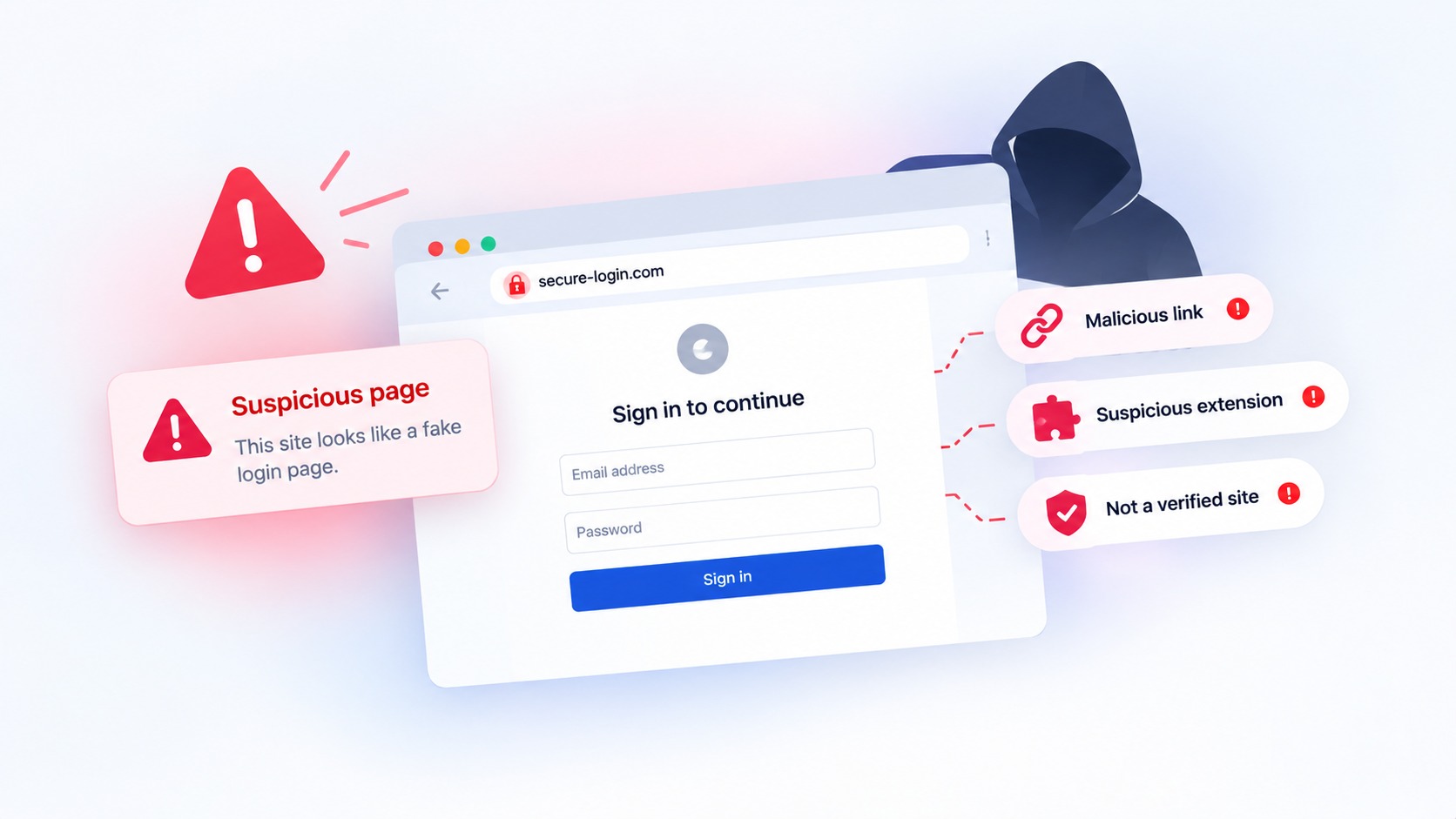
Haven is a Chrome extension that works at the browser level, flagging suspicious sites, scanning emails for suspicious senders, and alerting your team before anyone enters credentials on a page that isn't what it claims to be. It covers the gap between what your email filter catches and what your team catches — which is exactly where most successful phishing attacks live.
For small teams it takes about 90 seconds per person to install and requires no configuration or IT support. Download Haven free from the Chrome Web Store or explore Haven for Teams for centralized management across your whole business.
The honest reality about small business phishing protection
None of this is complicated. Two-factor authentication, a password manager, one team conversation, and a browser-level tool covers the vast majority of phishing risk for a small team — and most of it costs nothing.
The businesses that get hit aren't the ones that tried and failed. They're the ones that assumed they were too small to be a target, or that real protection was someone else's job. It isn't. And five minutes today is a lot cheaper than the alternative.