Key takeaways
Over 70 fake sites are impersonating popular Windows apps, including PowerToys, CrystalDiskMark, Lively Wallpaper, SignalRGB, and Wintoys, on lookalike domains.
The fake pages often rank above the real project in Google search, so the top result is not automatically the safe one.
Some sites link to the real download at first to build trust, then quietly swap in malware later, so a page that looked fine before can turn malicious.
Confirmed cases have installed infostealers and remote-access software that can take crypto wallets, browser data, and control of your PC.
The reliable check is the web address: download only from the Microsoft Store, the developer's official site, or their GitHub, and treat an unfamiliar domain as unverified.
What's happening
Security researchers at Check Point documented a large network of impersonation sites, and the story surfaced when the developer of Wintoys, a Windows tuning tool, searched his own app's name on Google and found a domain he never registered ranking in the results, reported by Windows Latest. Digging in, he uncovered a list of 72 lookalike domains impersonating widely used Windows software.
The fakes are built to look legitimate: real-looking pages, the app's branding, sometimes the developer's old logo. Many rank at or above the genuine project page in Google, which is the whole point. When the fake is the first thing you see and it looks right, most people click and download without a second thought.
Why the top search result can be the trap
We are trained to trust the top of the search results, and attackers know it. These operators spend months doing search-engine optimization so their lookalike domain climbs the rankings for a popular app's name. One cluster of these domains had been quietly building search rankings since late 2025 before it started pushing malware in early 2026.
Check Point described a three-stage playbook that makes this especially hard to catch:
The fake site ranks for a popular app's name in search results.
It appears harmless at first, even linking to the real download source, so nothing looks wrong.
After it has earned traffic and trust, it quietly swaps those links for malware.
That second stage is what makes the usual advice fall short. A page you or a friend checked last month and found clean can turn malicious later, on the same domain, without any visible change.
What the malware actually does
This is not harmless adware. On the confirmed cases, the payoff is serious.
Check Point traced infostealers like RemusStealer, which targets more than 20 browsers and cryptocurrency wallets, and AnimateClipper, which silently swaps a copied crypto wallet address for the attacker's own so your payment goes to them. One documented fake, a lookalike of the Lively Wallpaper app, served a trojanized installer that bundled a real setup file alongside a malicious hidden component, then installed a persistent remote-access service and software that resold the victim's internet connection.
Some of these operators also intercept the download click itself, routing you through a filtering system that decides whether to serve you the malware or a harmless file based on your location and whether you look like a security researcher. That is why these sites can pass a casual check and still infect real users.
The moment that matters: the page you download from
Here is the reassuring part. However well the fake ranks and however convincing it looks, the scam depends on one thing: getting you to download from a page that is not the real source. And a fake page cannot be the genuine project. It lives on a lookalike domain, not the app's official site, the Microsoft Store, or the developer's GitHub. That is the reliable tell.
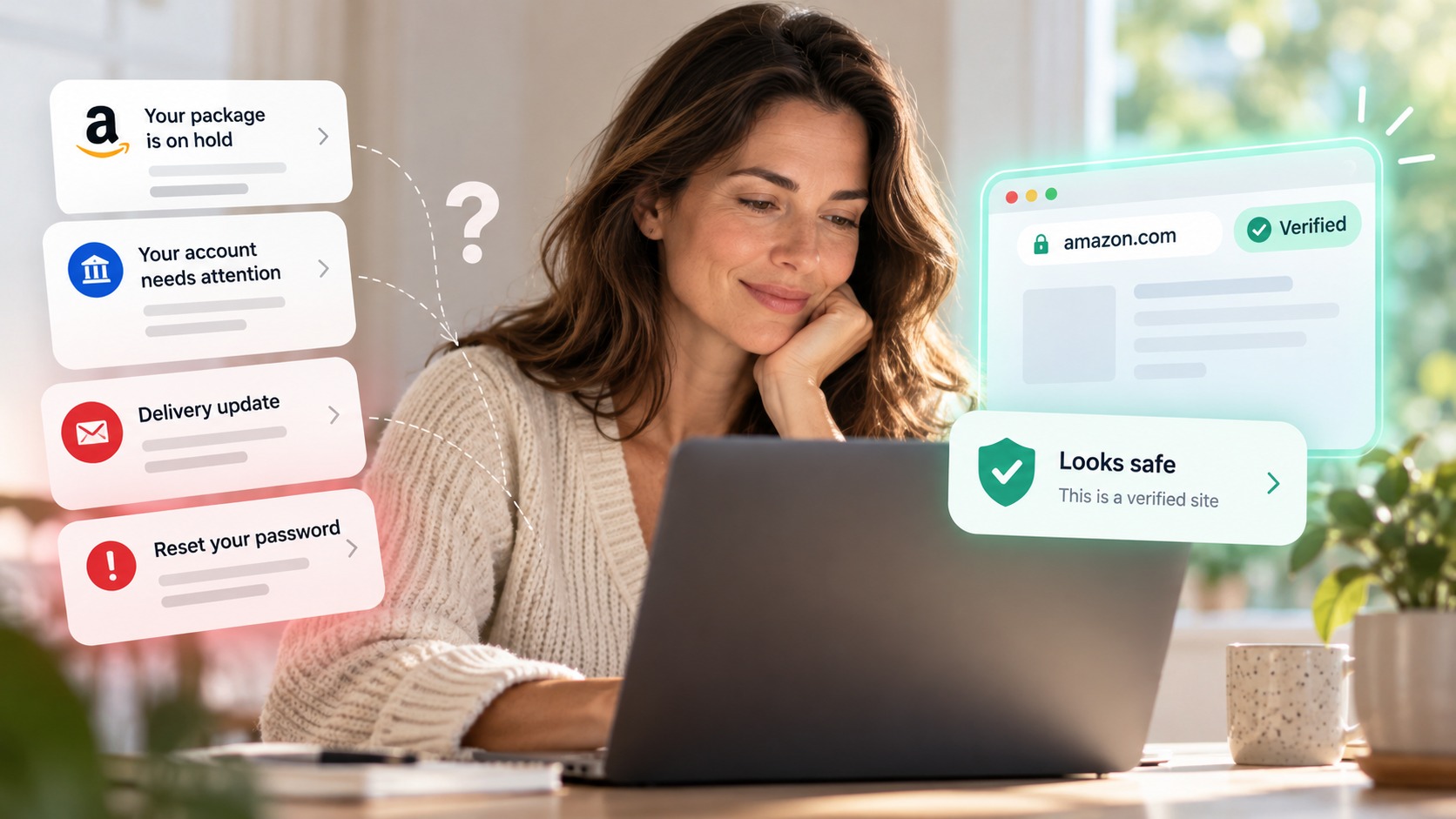
The problem is that a lookalike domain is easy to miss when the page looks pixel-perfect and it came up first in search. The logo is right, the layout is right, and you are focused on getting the app. Most people glance and click. That is exactly the moment a browser-security tool is built for.
How Haven helps
Haven is designed to flag fake, impersonated, and unverified sites at the moment you are about to act, including before you download. It analyzes the actual page in front of you, not just how it looks or how you got there, so when a page imitates a real app's site on a lookalike domain, Haven can warn you that you are not on the verified source before you download the installer.
That is the right coverage for this attack. Because these sites are designed to pass file checks (some serve a clean file to scanners and malware to real visitors), a warning tied to the site itself is more dependable than trusting the download. Haven works at the page and site-trust layer, the step before anything lands on your PC. If you are unsure about a link, you can also paste it into Haven's free link checker before you click.
To be clear about scope: Haven is not antivirus. It does not scan or block the downloaded file, and it cannot undo malware that has already run. What Haven covers is the decision before the download, warning you that a page is a fake or unverified source, so you do not download from the lookalike in the first place. Think of it as the layer in front of Windows Defender and SmartScreen, not a replacement for them.
How to download Windows apps safely
A few habits stop almost all of these:
Download from the Microsoft Store, the developer's official website, or their official GitHub releases page. Avoid a project's download link that you reached from a raw search result.
Check the domain in your address bar before downloading anything, especially if you arrived from Google. A lookalike or unfamiliar domain is the clearest warning sign.
Do not assume the top search result is the official site. Attackers optimize fakes to rank above the real project.
If you must download from a site you are unsure about, verify the file is digitally signed (right-click, Properties, Digital Signatures) and scan it, though note that determined attackers can evade scanners.
If you already downloaded from one of these sites, treat the PC as potentially compromised, run a full malware scan, and change passwords for anything sensitive, especially crypto wallets.
The scam evolves, but the core move is always the same: outrank the real app, look identical, and get you to download from the wrong page. Slow down at the address bar, and the whole thing falls apart.
About Haven
Haven is a browser extension that helps you make safer trust decisions online, before a scam can cost you anything. It works at the moment you are about to click a link or enter your password, flagging fake and impersonated login pages, suspicious links, and lookalike sites. Rather than only checking a page against a list of known-bad sites, Haven analyzes the actual page in front of you, so it can catch brand-new and convincing fakes that other tools miss.
Haven is free for individual use. For teams, Haven for Business extends this browser-level protection across every employee, and Haven for MSP lets managed service providers deliver it across their clients. Haven is operated by MirrorTab Corp.
FAQs
How can a fake app download site rank above the real one on Google?
The operators invest months in search-engine optimization, building rankings for a popular app's name with lookalike domains and AI-generated pages. In some cases the fakes climbed search results for a season before serving any malware, which helped them earn trust and outrank the genuine project page.
Is it safe to download software from the top Google result?
Not automatically. Attackers deliberately optimize fake app sites to rank at or above the real project. Before downloading, confirm you are on the developer's official domain, their GitHub, or the Microsoft Store, rather than trusting a page simply because it appeared first in search.
A download site looked fine last week. Can it still be dangerous?
Yes. Researchers found these sites often link to the real download at first to build trust, then quietly swap in malware later on the same domain. A page that seemed clean before can turn malicious without any visible change, which is why the source domain matters more than a one-time check.
How do I know if a Windows app download page is fake?
Check the web address. A fake page has to use a lookalike domain rather than the app's official site, the Microsoft Store, or its verified GitHub, so an unfamiliar or slightly-off address is the clearest sign, even when the branding is perfect. A browser-security tool like Haven can warn you that a site is a fake or unverified source before you download.
Does Haven stop malware downloads?
Haven warns you that a page is a fake or unverified source before you download, which is the step where this scam is defeated. Haven is not antivirus, so it does not scan or block the installer file itself or remove malware that has already run. It works at the site-trust layer, in front of tools like Windows Defender and SmartScreen. Haven is free for individual use.
Is Haven free?
Yes. Haven is free for individual use. Haven for Business and Haven for MSP extend browser-level protection to teams and managed service providers. Haven is operated by MirrorTab Corp.