The green checkmark feels reassuring. That feeling is exactly what scammers are counting on.
There's a belief most people hold about security tools that nobody explicitly taught them — but that shapes how they behave online every single day.
It goes like this: if my antivirus didn't flag it, it must be safe. If my security extension gave it a green light, I can trust it. If nothing warned me, I'm fine.
Does antivirus mean safe? Most people assume yes. That assumption is wrong. And the gap between the belief and reality is exactly where people lose money.
The antivirus green checkmark myth: a real example
A few weeks ago, our team investigated a phishing email that had landed in our CEO's inbox. It looked like a routine DocuSign request — perfect branding, real legal language, legitimate links throughout. Gmail didn't flag it. No warnings appeared.
When we clicked the link in a controlled investigation, it took us to a credential harvesting page asking for a work email address. The page was hosted on Amazon Web Services — a legitimate cloud platform with no threat history.
We checked it against Bitdefender TrafficLight, a browser security extension used by businesses specifically for web protection.
The result: "This page is safe. We did not find any suspicious elements on this page."
A green checkmark. On an active phishing page that was in the process of stealing credentials from real people.
This isn't a knock on Bitdefender specifically — it's one of the more reputable tools in the space. It's an illustration of a structural limitation that affects every security tool built the same way. Read the full breakdown of that attack and why it fooled a leading security tool
Why antivirus and security tools miss new threats
Security tools that work by checking against threat databases — antivirus software, browser extensions, email filters — can only flag things they already know about. When a new phishing site launches, it has no threat history. It doesn't match any known pattern. It loads cleanly on legitimate infrastructure. There is nothing in any database that says it's dangerous.
By the time it gets flagged, catalogued, and pushed to the databases these tools rely on, the attack has already run its course. Scammers know this. They build campaigns specifically designed to operate inside that window — launching fresh infrastructure, running the attack, and moving on before anything gets flagged.
The page that harvested credentials from our CEO's inbox was hosted on an Amazon S3 bucket. Amazon is one of the most trusted domains on the internet. No security tool is going to flag Amazon as dangerous. That's the exploit.
This is the same reason Gmail misses sophisticated phishing emails, and why antivirus software has almost nothing to say about browser-based attacks. We wrote about why antivirus falls short against modern phishing attacks and why Google's filters have the same structural limitation
The false sense of security antivirus creates
Here's what makes this myth genuinely dangerous: the green checkmark doesn't just fail to protect you. It actively makes you less safe.
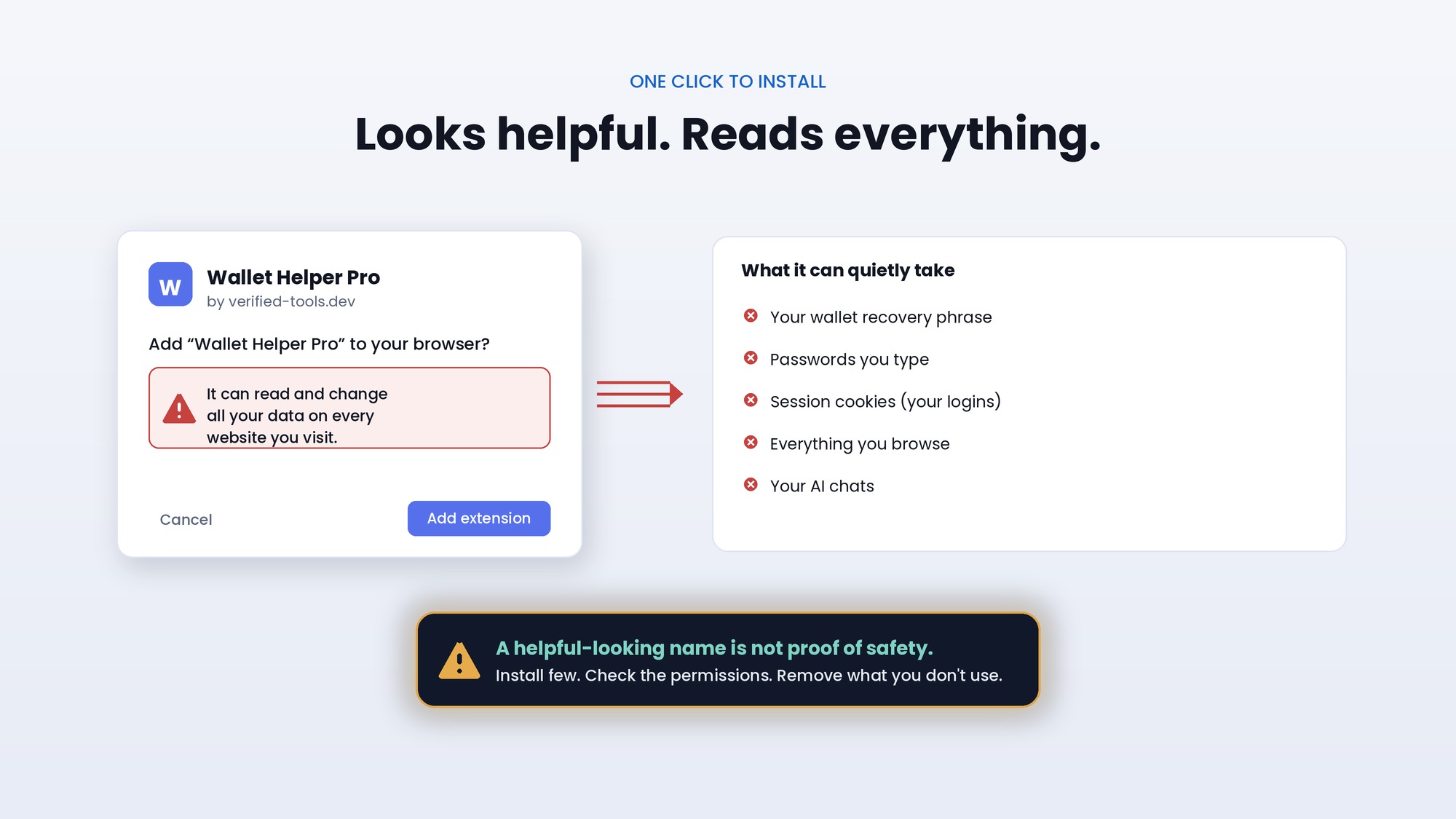
The antivirus false sense of security is real and well documented. When a security tool says "this page is safe," it doesn't just mean nothing was found. It means you stop looking. You stop second-guessing. You type your password without hesitation because you've been told it's fine.
That moment of lowered guard is worth more to an attacker than almost anything else. The entire design of a sophisticated phishing attack is built around reaching that moment — looking legitimate enough to pass the filters, so that by the time you're on the page, you've already decided it's real.
People who rely entirely on security tools to tell them when something is dangerous are more vulnerable than people who maintain a healthy skepticism regardless of what the tool says. A green checkmark should be one input, not the final word.
What "no threats found" really means for your online safety
It means no known threats were found. That's a meaningful distinction.
It means the tool checked the URL against its database and found no prior record of malicious activity. It means the page passed whatever technical checks the tool is designed to run. It does not mean the page is legitimate. It does not mean your credentials are safe to enter. It does not mean nothing bad is happening.
A brand new phishing site that launched this morning will get "no threats found" from every signature-based tool on the market. So will a credential harvesting page hosted on AWS. So will a fake login page that perfectly replicates your bank's website and was registered yesterday.
The absence of a red flag is not the presence of safety. Those are two different things, and confusing them is exactly what attackers need you to do.
What actually protects you when antivirus misses a threat
Skepticism is the most underrated security tool available. Not paranoia — skepticism. The habit of pausing before you enter credentials, even when nothing warned you. The reflex to verify through a separate channel when something feels slightly off, even if the tool said it was fine. The understanding that a green checkmark means "nothing found" and not "definitely safe."
Pair that with tools built for a different approach. Rather than trying to identify every bad site in the world, Haven works by confirming that the sites you're interacting with are actually what they claim to be — flagging newly registered domains, lookalike URLs, and suspicious pages that have no threat history but don't match the legitimate site they're impersonating.
It's the difference between blocking bad and confirming good. And for the attacks that matter most right now — the ones that pass every filter because they're brand new — confirming good is the more reliable approach.
Download Haven free from the Chrome Web Store and add the layer that works even when everything else says you're fine.