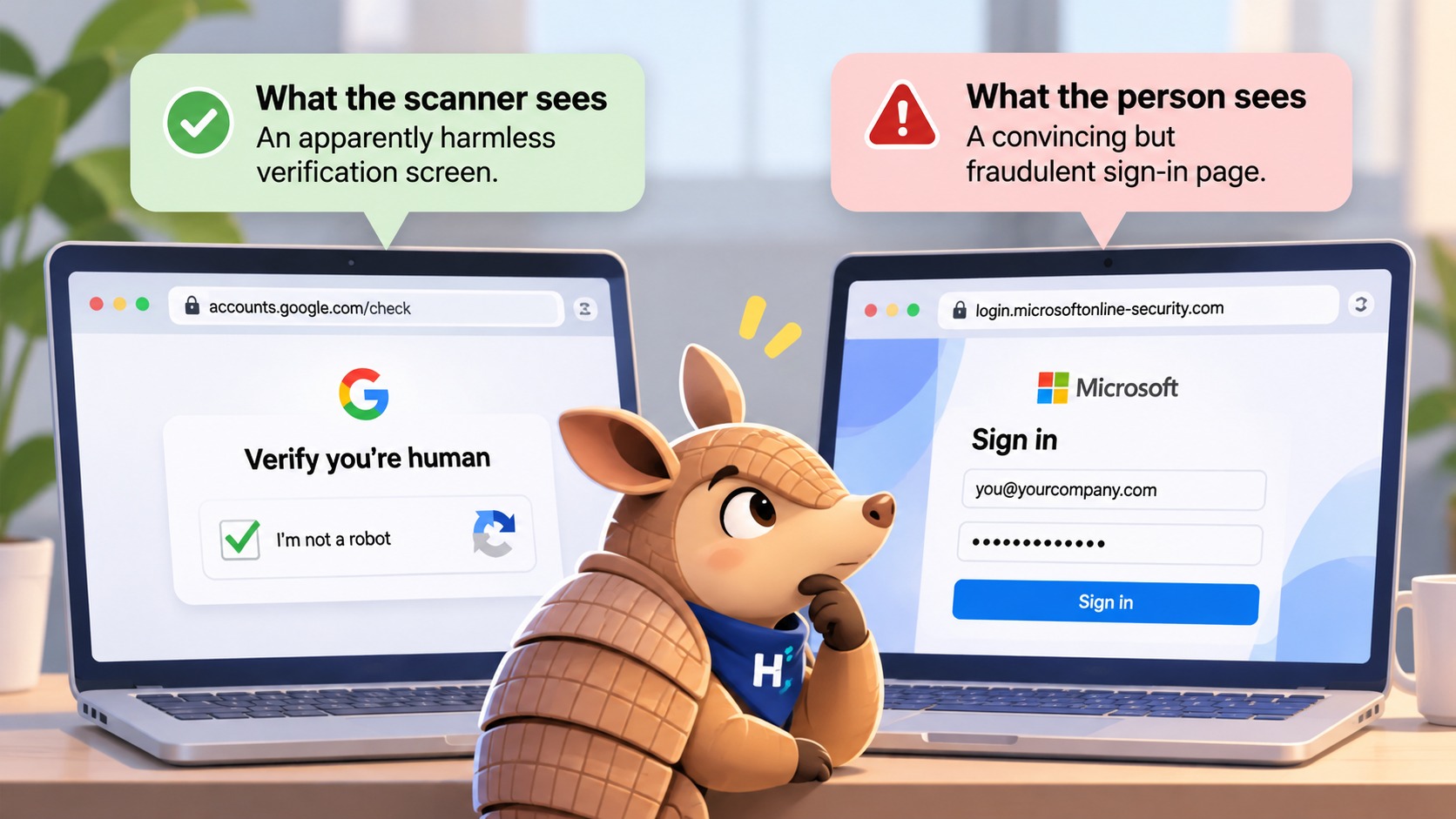
New research reveals how attackers are abusing legitimate browser management capabilities to install malicious extensions, access business accounts, and potentially conceal security alerts.
Imagine downloading a free animated wallpaper for your computer.
It works exactly as advertised. Your desktop looks a little more interesting, and you carry on with your day.
Meanwhile, behind the scenes, someone else is gaining control over parts of your browser.
They could access your business advertising accounts, read your emails, and potentially delete the very security notifications intended to warn you that something is wrong.
It sounds like an unlikely consequence of downloading a wallpaper. But that's precisely the kind of threat documented in new research from Bitdefender Labs, published on November 26, 2026.
The investigation raises a question that deserves more attention: who really controls your browser?
The campaign, known as SYS010, uses social media advertisements to promote free animated wallpaper applications.
Unlike many malicious downloads, these applications actually work. There's no obvious indication that something has gone wrong.
The malware targets Windows devices and abuses legitimate management features to install malicious extensions in Chrome, Edge and Firefox.
Rather than convincing someone to install a suspicious browser extension directly, the attackers manipulate the mechanisms organizations use to manage browsers and devices.
Once installed, the malicious extensions can be difficult for users to remove.
Organizations have good reasons for managing employee browsers.
Centralized policies allow IT teams to enforce security settings, distribute approved extensions, and create consistent experiences across their organizations.
These capabilities are an important part of enterprise security.
But, like many powerful technologies, they can be abused.
The SYS010 campaign demonstrates what can happen when unauthorized parties gain sufficient privileges to manipulate those management capabilities.
It's an important distinction. The problem isn't that browser management exists. It's that the authority behind it has been compromised.
And once that happens, an extension that appears to be installed through an organizational policy may not have been authorized by the organization at all.
The risk isn't just the extension. It's what the extension can access.
Browser extensions have become part of everyday life.
We use them to manage passwords, translate websites, improve productivity, take screenshots, and make countless online tasks easier.
Most are legitimate and genuinely useful.
However, depending on their permissions, extensions can also interact with sensitive information inside the browser.
That might include:
Corporate email and communications.
Financial services and banking websites.
Customer relationship management platforms.
Advertising accounts and payment information.
Internal business applications.
Authenticated browsing sessions.
Bitdefender's investigation illustrates why this matters. Researchers identified malicious extensions capable of collecting browser session cookies and sensitive Meta Business account information.
They also documented a Chrome extension capable of reading Gmail and Outlook messages and permanently deleting selected emails.
That last capability is particularly concerning.
Security notifications, account recovery requests, and suspicious login alerts often arrive by email. If an attacker can interfere with those messages, identifying and recovering from an account compromise becomes significantly more difficult.
Should an approved extension be trusted everywhere?
Traditionally, browser extension governance has focused on a relatively straightforward question: should this extension be allowed or blocked?
It's an important question, but it's not the only one.
Consider a marketing professional who uses a browser extension to capture screenshots. That extension might be useful when reviewing a website or preparing campaign materials.
But does it also need access to the company's banking portal? Its payroll system? Its customer database?
Probably not.
The same principle applies to countless extensions that employees use throughout their working day.
An extension can be legitimate, useful, and approved without needing unrestricted access to every website someone visits.
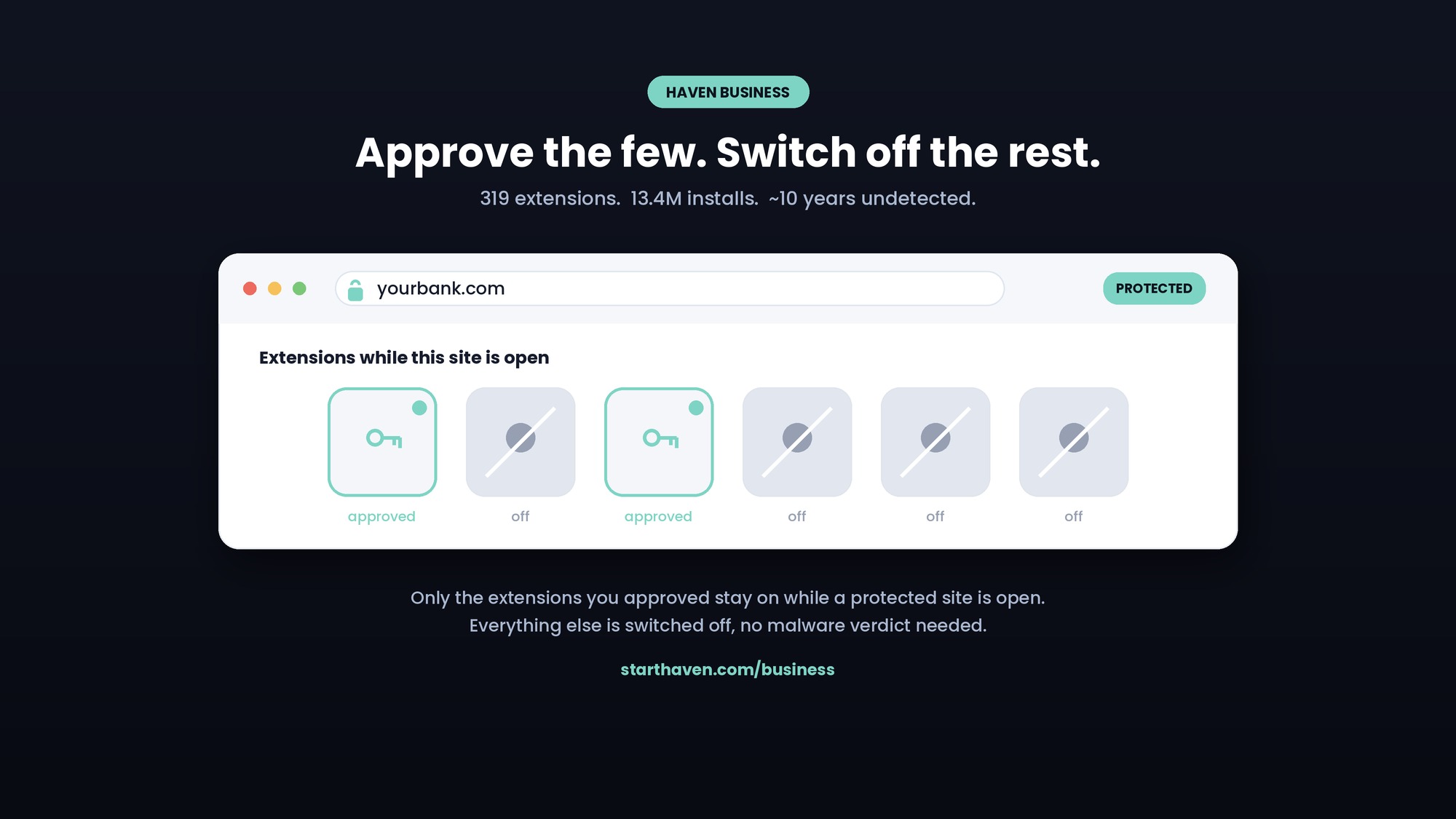
This is where website-level extension governance introduces a different approach.
Instead of treating extension trust as a universal decision, organizations can consider the context in which an extension operates.
What does it need to access? Where should it be permitted to operate? Where should its access be restricted?
Trust doesn't have to be all or nothing.
Browser security is also a business continuity issue
The SYS010 campaign specifically targets Meta Business accounts, making it particularly relevant to marketing teams, advertising agencies, small businesses, and creators.
For many organizations, these accounts are far more than social media profiles.
They represent customer relationships, advertising budgets, revenue opportunities, brand reputation, and years of investment in building an audience.
Losing access to them can disrupt business operations.
Yet the people responsible for managing these accounts aren't necessarily cybersecurity professionals. Nor should they have to be.
Marketing teams, finance departments, HR professionals, and other business functions increasingly operate through browser-based applications.
Protecting the browser is increasingly part of protecting the business itself.
What individuals and organizations can do
There are several practical steps that can help reduce exposure to these types of threats.
Download software from official sources. Be cautious about applications promoted through social media advertisements, even when the advertisements feature familiar brands.
Review installed browser extensions regularly. Remove extensions you no longer use and pay attention to the permissions requested by those you keep.
Investigate unexpected browser management settings. If your personal browser suddenly indicates that it is managed by an organization, or an unfamiliar extension cannot be removed, investigate. On corporate devices, consult your IT team before changing any settings.
Apply the principle of least privilege. Organizations should restrict unnecessary administrative access and limit extension permissions to what is required for legitimate business activities.
Review sensitive business accounts. Monitor account administrators, active sessions, advertising activity, and unexpected changes to payment information.
Take suspected compromise seriously. If you believe your device has been infected, seek IT or security assistance. From a known-clean device, revoke affected sessions, review account access, and change compromised credentials. Removing a suspicious extension alone may not resolve an underlying malware infection.
These practices work best as part of a layered approach that includes endpoint protection, identity security, browser management, and browser-level security.
A different approach to browser extension governance
At Haven, we believe browser security should reflect how people actually work.
Employees move between public websites, sensitive business applications, personal accounts, and collaborative tools throughout the day. The security requirements of those environments aren't always the same.
That's why Haven takes a more contextual approach to browser extension governance, enabling businesses to manage extension access on a website-by-website basis.
An extension that supports productivity in one environment doesn't necessarily need access to another.
This approach gives organizations more granular control while allowing employees to continue using the tools they need.
Browser security isn't about eliminating everything that makes the internet useful. It's about making more informed decisions about what we trust, where we trust it, and how much access we give it.
Because the question isn't simply whether you trust your browser extensions.
It's whether you trust them everywhere.
Discover Haven and explore a different approach to browser security.
Source: Bitdefender Labs, SYS010 Reloaded: The new malvertising campaign targeting Meta Business Accounts, November 26, 2026.