Most of the time, the Haven badge just rests quietly in the corner, a small sign that Haven is keeping watch. But every now and then you want a completely clear page, with nothing in the corner at all.
What is new
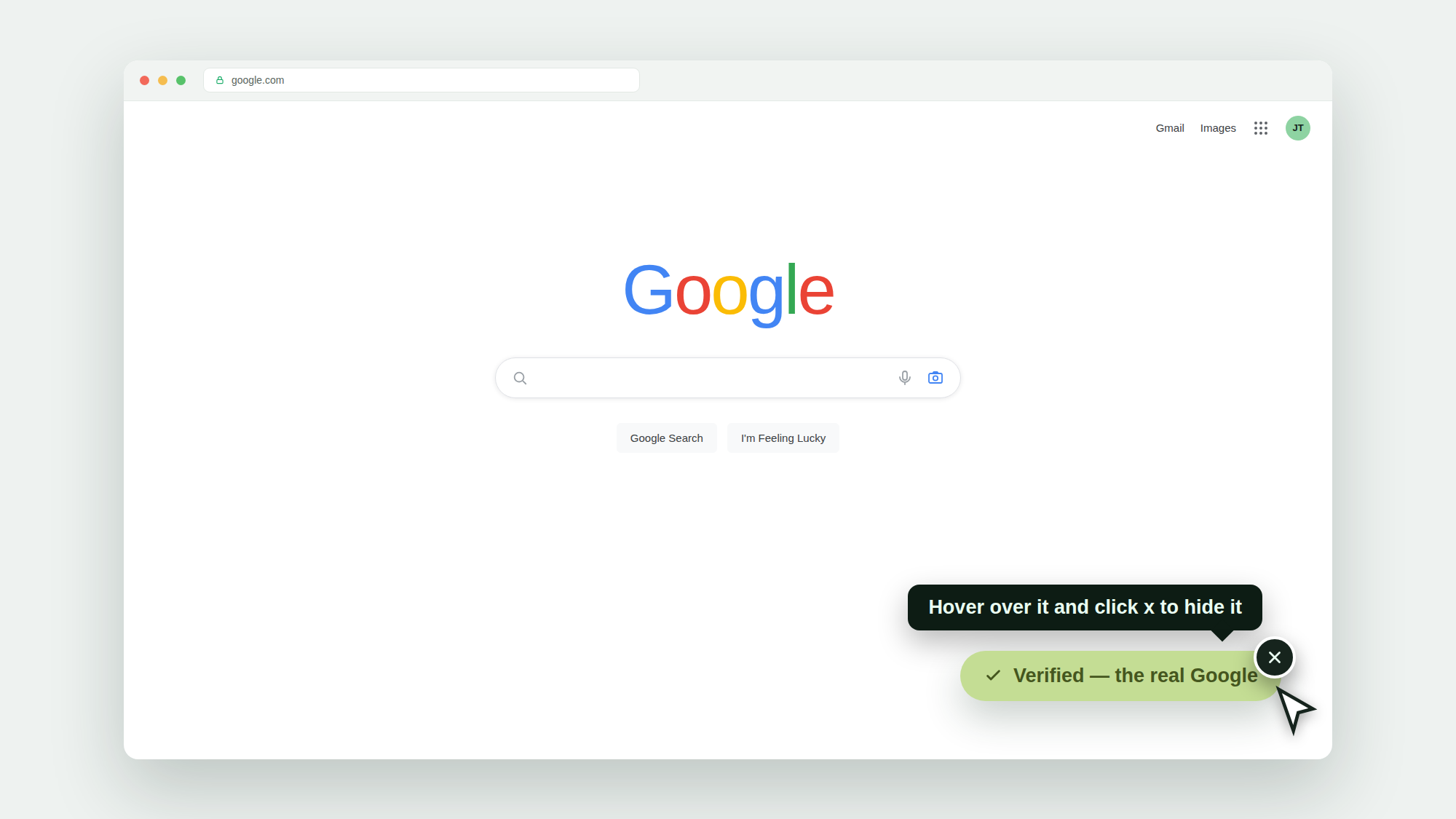
Now you can hide the Haven badge with a single click. Hover over the little badge on any page, click the x, and it slips out of the way so you can focus. Haven keeps protecting the page in the background the whole time. And the badge comes right back on your next page, so there is nothing to remember to switch back on.
How it works
Find the Haven badge resting in the corner of the page.
Hover over it, and a small x appears.
Click the x. The badge tucks away for that page.
Move to your next page and it is back, ready as usual.
This is the same calm-by-default thinking you see across Haven. It stays out of your way by default, and now you can give it a nudge when you want the page fully to yourself. Hiding the badge never turns protection off. Haven is still checking the page, still watching for impersonation and danger, just without the marker on screen.
Who it is for
Anyone who wants a distraction-free moment without turning anything off. It is on by default, and free for personal use.
Try it
New to Haven? Add Haven to Chrome. The badge stays calm on the sites you trust, and now it is one click to tuck away whenever you like.