Key takeaways
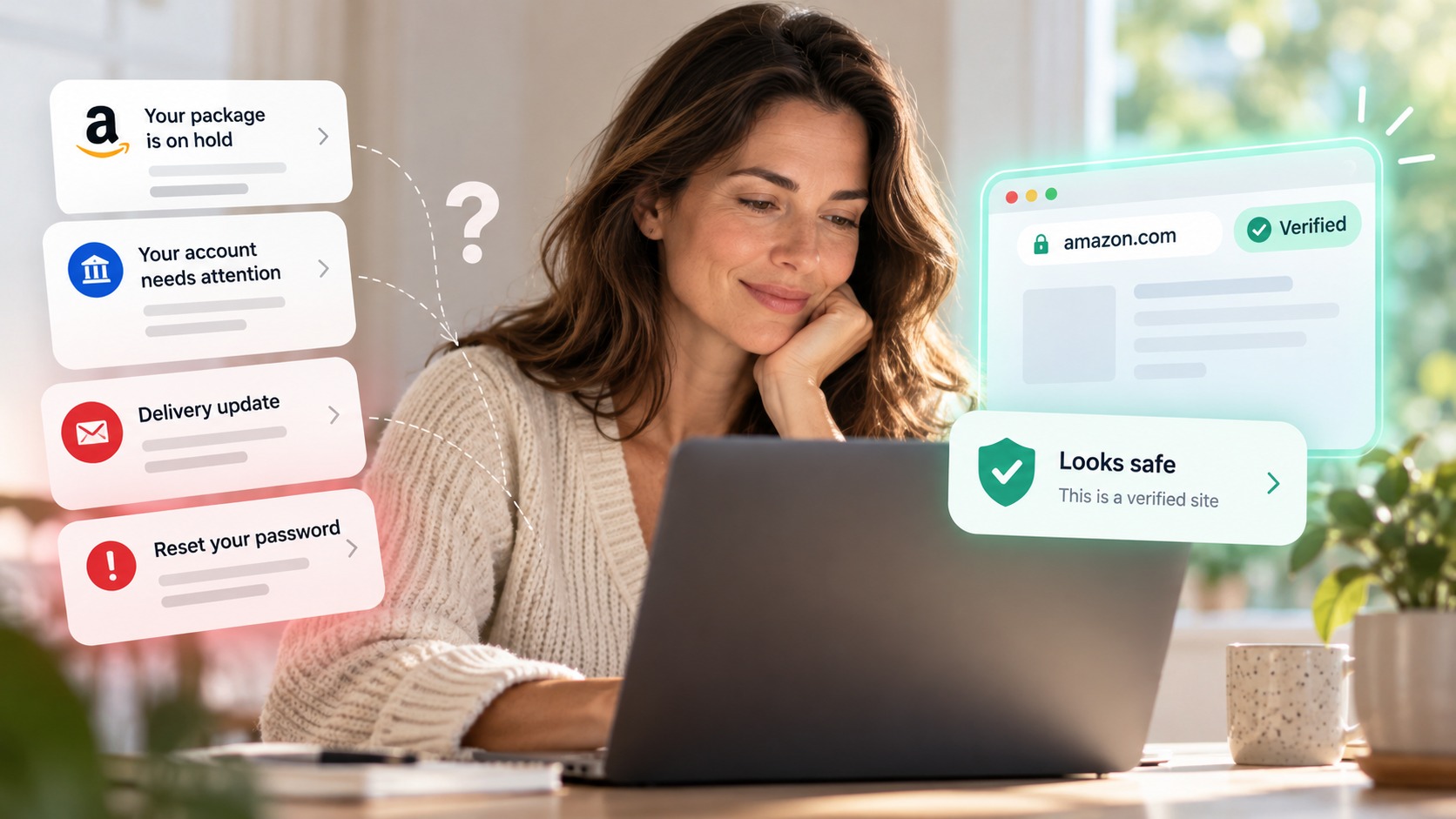
Attackers are compromising hotel and event Wi-Fi and quietly redirecting travelers to a fake Microsoft login page when they try to sign in.
Your device still looks normally connected, and other sites still load, so the attack is hard to notice.
The one reliable giveaway is the page itself: it sits on a lookalike domain, not the real Microsoft address.
Never enter your Microsoft password on a login page you reached after connecting to public Wi-Fi without checking the address first.
A VPN or your phone's hotspot protects the network layer; a browser-security tool like Haven catches the fake login page at the moment you are about to sign in.
You connect to the hotel Wi-Fi, open your email, and Microsoft asks you to sign in. Nothing looks off. But the login page in front of you is fake, and the password you type goes straight to an attacker. That's the shape of a hotel Wi-Fi phishing attack that security researchers are now warning travelers about.
The clever part is that you did everything right. You went to Microsoft yourself. The trick happens on the network, before the page even loads.
How the hotel Wi-Fi phishing attack works
According to research from ReliaQuest, reported by Fox News, attackers are breaking into the Wi-Fi gateway that a hotel or event venue uses to connect guests to the internet. Once they have admin access, often through weak passwords, exposed dashboards, or outdated firmware, they change the gateway's DNS settings.
DNS is the internet's address book. It turns a name you type, like a Microsoft login address, into the numerical address of the right server. When attackers tamper with it, your browser can be pointed to the wrong server. So you go to sign in to Microsoft, and the compromised network quietly sends you to a fake Microsoft 365 login page instead. Researchers found the attackers had registered at least four lookalike domains for these fake portals.
What makes it so sneaky is that everything else seems normal. Your device shows the hotel network. Other websites still load. There is no warning. By the time the fake page asks for your email and password, you have no obvious reason to doubt it.
Why this one is worth your attention
A stolen Microsoft 365 login is a big deal, especially for work accounts. It can expose your email, your files, and your company's cloud services, and let an attacker impersonate you to coworkers and clients. The campaign specifically targets business travelers signing in between meetings, exactly when people move fast and skip the double-check.
To be clear about the limits: this attack happens at the network level, so the fix for the network itself is not something you control, it is on the venue to secure its gateway. That is why a VPN or your phone's hotspot is smart on public Wi-Fi: it protects your connection regardless of the network. But there is still one layer that is entirely in your hands, and it is the layer where the theft actually happens.
The one thing that gives it away: the fake login page
Here is the good news. A DNS trick can send your browser to the attacker's server, but it cannot fake Microsoft's real web address with a valid security certificate. That is why the attackers have to use lookalike domains. So the fake page always lands somewhere that is not the genuine Microsoft address, and that is the tell.
The problem is that a lookalike domain is easy to miss when you are tired, rushed, and the page looks pixel-perfect. "microsoft" might appear somewhere in the address, the logo is right, the layout is right. Under pressure, most people glance and type.
This is exactly the moment a browser-security tool is built for.
How Haven helps
Haven is designed to catch fake and impersonated login pages at the moment you are about to enter your credentials. It analyzes the actual page in front of you, not just how it looks, so when a page imitates the Microsoft 365 sign-in on a lookalike domain, Haven flags it as fraudulent and warns you before you type your password.
The important part for this attack: it does not matter how you got to the fake page. Whether a phishing email, a malicious ad, or a hijacked hotel network sent you there, Haven checks the page itself. So even when the trickery happens on the network before the page loads, the fake login page is still the step where your password would be stolen, and that is the step Haven steps in on. If you want to check a link before you trust it, you can also paste it into Haven's free link checker.
No tool can fix a compromised hotel network, and we will not claim that. What Haven covers is the credential-theft moment, the fake Microsoft login page, which is where this scam actually pays off.
How to protect yourself on hotel and public Wi-Fi
A few habits go a long way, especially while traveling:
Use a VPN or your phone's hotspot on public Wi-Fi. This protects your connection even if the network is compromised.
Do not enter your Microsoft password on a login page that appeared after you connected to public Wi-Fi without checking the web address first. Confirm it is the genuine Microsoft domain.
Turn on a passkey or a phishing-resistant second factor for your Microsoft account, so a stolen password alone is not enough.
Be suspicious of an unexpected "approve this sign-in" prompt. Some versions of this attack try to get you to approve a login the attacker started. If a prompt appears that you did not trigger, stop and verify with your IT team before approving.
Add a browser-security layer that flags fake login pages, so a convincing lookalike cannot quietly take your credentials.
The takeaway is not to fear hotel Wi-Fi, it is to slow down at the sign-in screen. That is the moment the whole attack depends on.
About Haven
Haven is a browser extension that helps you make safer trust decisions online, before a scam can cost you anything. It works at the moment you are about to click a link or enter your password, flagging fake and impersonated login pages, suspicious links, and lookalike sites. Rather than only checking a page against a list of known-bad sites, Haven analyzes the actual page in front of you, so it can catch brand-new and convincing fakes that other tools miss.
Haven is free for individual use. For teams, Haven for Business extends this browser-level protection across every employee, and Haven for MSP lets managed service providers deliver it across their clients. Haven is operated by MirrorTab Corp.
FAQs
Is hotel Wi-Fi safe to use?
Hotel Wi-Fi is convenient but not inherently safe. Because many devices share the same network and travelers can't verify how it's secured, it's a common target. Researchers have found attackers compromising hotel Wi-Fi gateways to redirect guests to fake login pages. Using a VPN or your phone's hotspot, and being careful before entering passwords, greatly reduces the risk.
How does the hotel Wi-Fi phishing attack work?
Attackers gain admin access to a hotel's Wi-Fi gateway and change its DNS settings. When a guest tries to open a real Microsoft login page, the compromised network redirects their browser to a fake Microsoft 365 login page on a lookalike domain. The device still appears normally connected, so the redirect is hard to notice until credentials have been entered.
Can hotel Wi-Fi steal my passwords?
Not directly, but a compromised network can send you to a fake login page that does. In this campaign, hotel Wi-Fi is used to redirect travelers to a fraudulent Microsoft sign-in page that captures the email and password they type. The password is stolen by the fake page, not by the Wi-Fi itself, which is why spotting the fake page matters.
How can I tell if a Microsoft login page is fake?
Check the web address before typing anything. A DNS-based attack has to use a lookalike domain because it can't fake Microsoft's real address with a valid certificate, so the fake page will sit on a domain that isn't the genuine Microsoft one. Don't rely only on how the page looks, since the logo and layout are easy to copy. A browser-security tool like Haven can flag a fake Microsoft login page automatically.
Does a VPN protect me from this attack?
A VPN helps at the network level by encrypting your connection and routing it through a trusted server, which sidesteps a compromised local network. It is strongly recommended on public Wi-Fi. It does not, however, analyze the page you land on, so pairing a VPN with careful checking, or a tool that detects fake login pages, gives you fuller coverage.
How does Haven help against fake Microsoft login pages?
Haven is a browser extension that detects fake and impersonated login pages and warns you before you enter your credentials. Because it analyzes the actual page rather than trusting how it looks or how you arrived, it can flag a fake Microsoft sign-in on a lookalike domain even when a hijacked network sent you there. Haven is free for individual use.
Is Haven free?
Yes. Haven is free for individual use. Haven for Business and Haven for MSP extend browser-level protection to teams and managed service providers. Haven is operated by MirrorTab Corp.