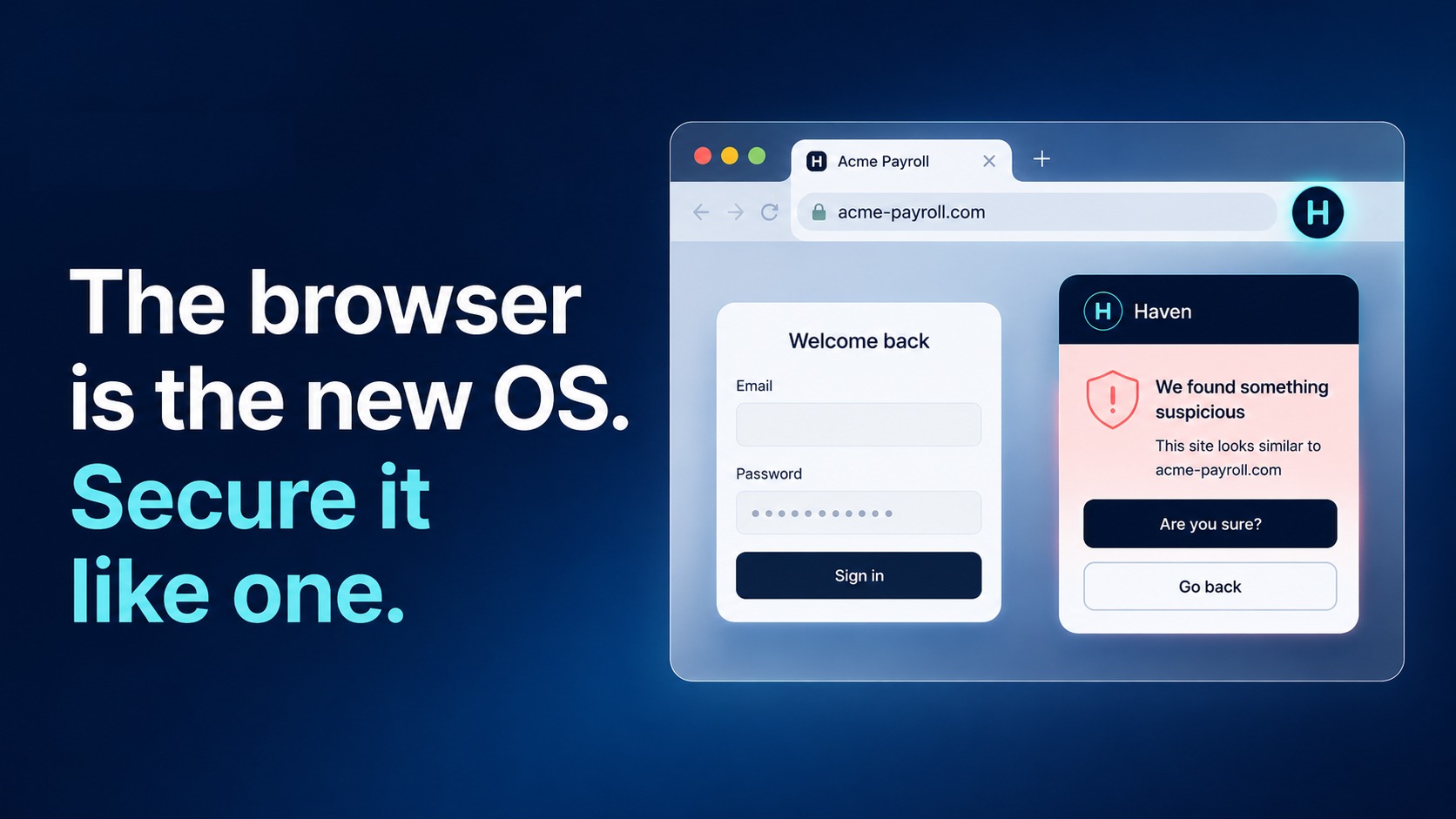
The riskiest downloads rarely look risky. A file arrives as an invoice, a shipping label, or a shared document, from a site you opened a minute ago and never looked at closely. And by the time the download starts, the decision is usually already behind you.
What is new
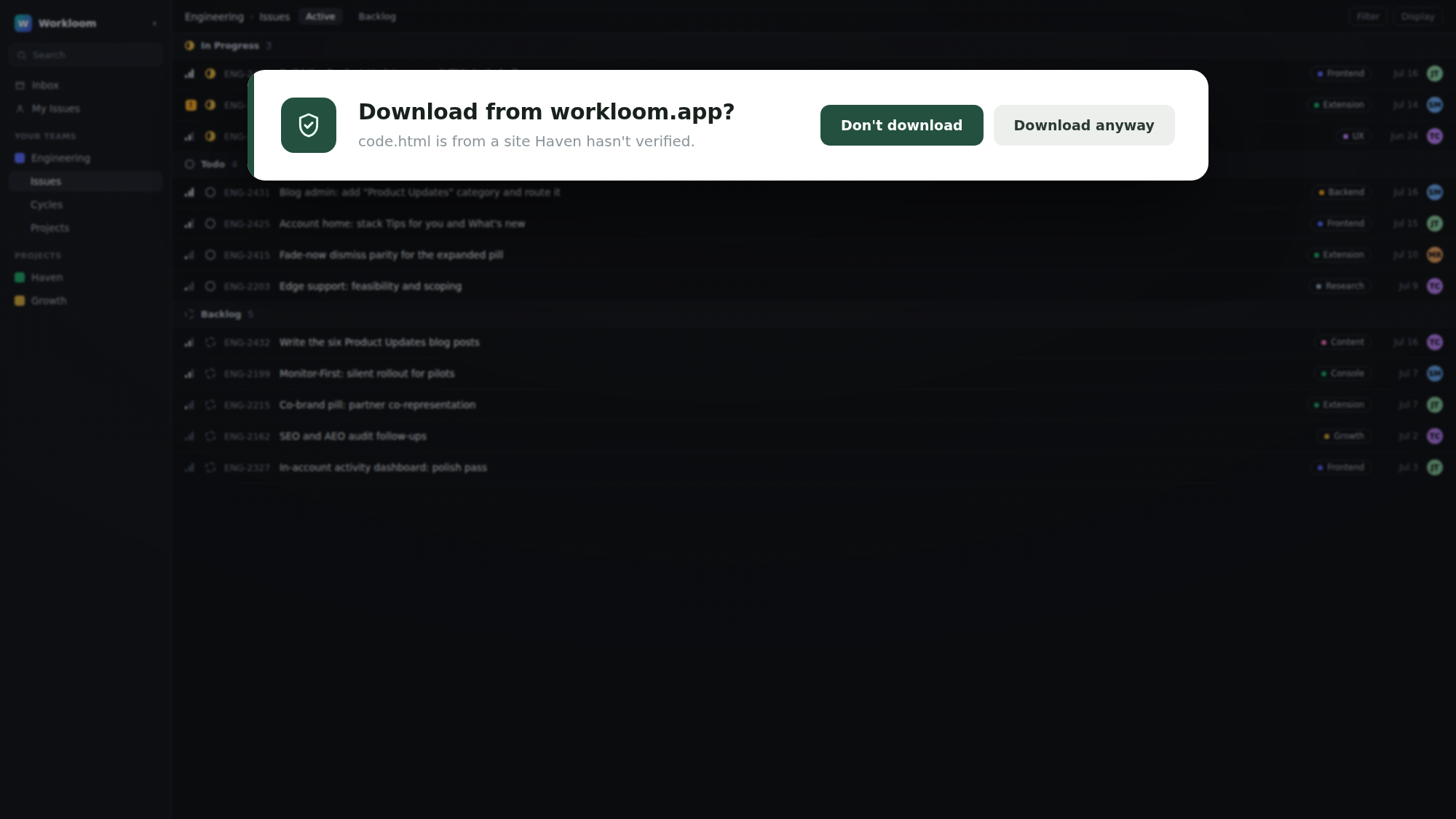
Haven now keeps an eye on your downloads. When a file comes from a site Haven has not verified, you get a quiet heads-up before anything lands on your device. The heads-up names the site and the file, and tells you Haven has not verified it, so you are deciding with context instead of a file name.
It is a nudge, not a block. You always have the final say.
How it works
Start a download the way you normally would.
Haven checks the site the file is coming from.
If it is a site Haven recognizes and trusts, nothing gets in your way. Your download proceeds as usual.
If it is a site Haven has not verified, you get a short heads-up naming the site and the file. Choose Download anyway to keep it, or Don't download to stop it. The choice is yours.
Like the rest of Haven, download protection stays quiet until it has a reason not to. It does not interrupt downloads from sites you trust, and it never decides for you. It is the same calm-by-default approach you already see across Haven, applied to the moment a file reaches your device.
Who it is for
Everyone who downloads files from the web, which is to say just about everyone. Download protection is on by default, and free for personal use.
Try it
New to Haven? Add Haven to Chrome and download protection comes switched on, along with link verification and phishing protection for your email.