Key Takeaways
Phishing attacks are surging and evolving rapidly, but you can protect yourself by recognizing warning signs and implementing proven security measures.
• Enable multi-factor authentication on all accounts – This adds critical verification layers beyond passwords, blocking unauthorized access even if credentials are stolen.
• Verify sender addresses and hover over links before clicking – Scammers create nearly identical domains with subtle character changes that reveal themselves upon close inspection.
• Watch for urgency tactics and generic greetings – Legitimate companies address you by name and don't threaten immediate account closure or offer unrealistic prizes.
• Implement regular phishing awareness training – Organizations see 20% of users successfully recognize and report phishing attempts after proper education and simulated practice.
• Never share sensitive information via email or text – Real organizations will never request passwords, Social Security numbers, or financial details through these channels.
Remember: phishing prevention isn't a one-time effort but an ongoing practice. By combining technological safeguards like security software and MFA with human vigilance and continuous education, you create multiple defense layers that significantly reduce your risk of falling victim to these increasingly sophisticated attacks.
Scammers launch thousands of phishing attacks every day, and surprisingly, many of them succeed. The consequences? Identity theft, financial loss, and compromised personal data.
Learning how to prevent phishing attacks isn't optional anymore. Phishing can appear as emails, social media messages, or fake websites, all designed to steal your sensitive information. The good news is that with the right knowledge, you can spot these scams before they strike.
In this guide, we'll walk you through different types of phishing attacks, show you how to recognize phishing emails, and give you practical phishing attack protection strategies to keep yourself safe online.
Types of Phishing Attacks You Need to Know
Phishing attacks surged by 58.2% in 2023 compared to the previous year. You can build stronger defenses against these evolving threats when you know the types of phishing attacks.
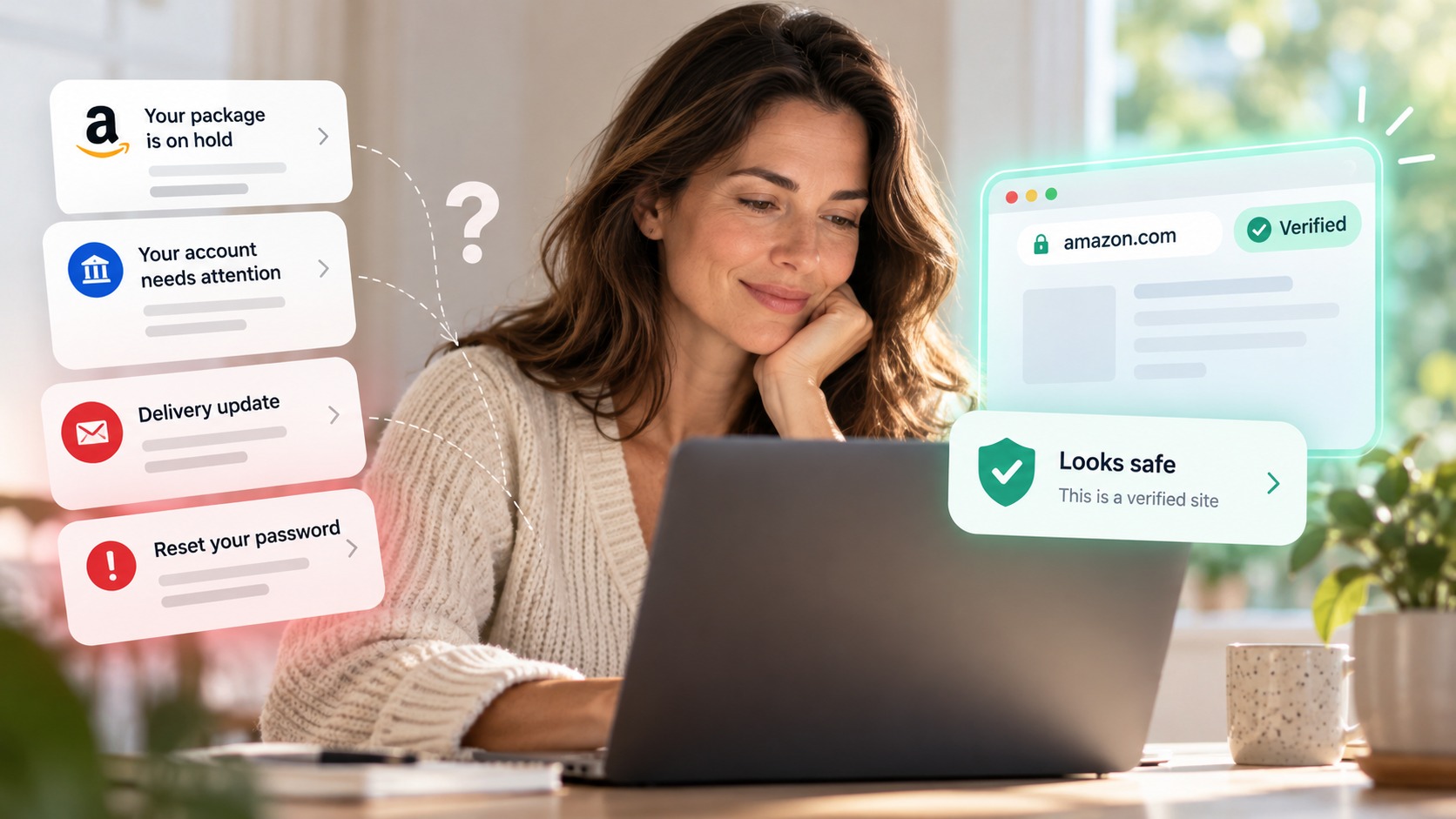
Email phishing remains the most common method. Scammers send fraudulent messages and pretend to be from trusted companies. Microsoft is the most frequently imitated brand and accounts for 43.1% of phishing attempts. Attackers send fake invoices, account upgrade requests, or payment confirmations to trick you into clicking malicious links or sharing credentials.
Spear phishing takes a more targeted approach. These attacks represent less than 0.1% of emails but lead to 66% of successful breaches. Attackers research specific individuals or organizations and then craft individual-specific messages that appear legitimate.
Whaling targets high-level executives like CEOs and CFOs who have access to sensitive financial systems. Vishing uses voice calls to steal information, while smishing delivers phishing attempts via text messages. Bank impersonation is the most common text message scam and accounts for 10% of all smishing messages.
Quishing represents an emerging threat where attackers embed malicious links within QR codes. The finance and insurance industry faced 27.8% of overall phishing attacks and became a prime target for sophisticated scams.
How to Spot Phishing Scams Before You Click
"The best defense is continuous education. Phishing awareness training helps your team recognize subtle red flags before it’s too late." — GRC Solutions, Cybersecurity training provider
Recognizing phishing emails requires you to get into several elements in detail before taking any action. Start by checking the sender's email address. Hover your mouse over it to reveal the actual domain. Scammers create addresses that resemble legitimate ones and change just one character or number. To name just one example, "paypal.com" becomes "pavpal.com" or "micros0ft.com" replaces the "o" with a zero.
Generic greetings signal mass phishing attempts. Legitimate companies address you by name, not with "Dear Customer" or "Valued Member." The message tone matters too. Phishing emails create urgency through threats like "Your account will be locked!" or enticing offers like "You won an expensive cooler!" Both tactics want to bypass your critical thinking.
Hover over any links without clicking to see the actual destination URL in your browser's status bar. Delete the message if the domain doesn't match the claimed sender. Unexpected attachments warrant verification through a separate communication channel, never through contact information in the suspicious email.
Legitimate organizations never request passwords, Social Security numbers, or financial details via email. Contact the company using information from their official website if you receive such requests. Watch for spelling errors and awkward phrasing, though AI has improved phishing message quality. Check for HTTPS and a closed padlock icon on any login pages.
Complete Guide to Phishing Attack Protection
"Amateurs hack systems; professionals hack people." — Bruce Schneier, Security technologist and author
Protection requires a multi-layered approach that combines technology, training and watchfulness. Start by enabling multi-factor authentication on every account that supports it. Multi-factor authentication adds verification steps beyond passwords and makes unauthorized access harder even if credentials are stolen. Use authenticator apps rather than SMS codes. SIM-swapping attacks can intercept text messages.
Install security software on computers and mobile devices. Set them to update on their own. These updates provide protection against new security threats. Keep browsers current as well since outdated versions contain vulnerabilities that attackers exploit.
Email security solutions use blocklists to filter malicious messages. Phishing simulations train employees to recognize attacks through realistic practice scenarios. Organizations that implement phishing education see measurable results: 20% of users recognize and report phishing simulations after training.
Back up data to external drives or cloud storage on a regular basis. If you click a malicious link, disconnect from the internet right away. Change passwords on all affected accounts using a different device and run anti-malware scans. Report phishing emails to reportphishing@apwg.org and text messages to 7726. Contact the FBI's Internet Crime Complaint Center at ic3.gov for financial losses.
Building a security culture means reinforcing safe practices on a regular basis, not just annual training.
Conclusion
You now have the knowledge and tools to protect yourself from phishing attacks. Stay vigilant with every email, text, or call that requests personal information. Enable multi-factor authentication and verify sender addresses. Trust your instincts if something feels off.
Phishing scams will continue to evolve. Your defenses can too. Keep your security software updated. Spotting these threats will become second nature sooner or later. Stay safe out there!
FAQs
What are the main warning signs that indicate a phishing email?
There are several red flags to watch for: urgent or threatening language pressuring immediate action, generic greetings like "Dear Customer" instead of your name, requests for sensitive information such as passwords or Social Security numbers, suspicious sender email addresses that closely mimic legitimate ones with slight variations, poor spelling and formatting, and offers that seem too good to be true. Always hover over links to check the actual destination URL before clicking.
How can I protect myself from phishing attacks?
Enable multi-factor authentication on all your accounts, keep your security software and browsers updated automatically, install email security solutions that filter malicious messages, verify sender identities before responding to requests, back up your data regularly, and never share sensitive information via email. Additionally, use authenticator apps rather than SMS codes for two-factor authentication, as text messages can be intercepted through SIM-swapping attacks.
What should I do if I accidentally click on a phishing link?
Immediately disconnect from the internet to prevent further data transmission. Change passwords on all affected accounts using a different, secure device. Run a complete anti-malware scan on your computer or mobile device. Report the phishing attempt to reportphishing@apwg.org for emails or forward text messages to 7726. If you've experienced financial losses, contact the FBI's Internet Crime Complaint Center at ic3.gov.
What are the different types of phishing attacks I should know about?
Email phishing is the most common type, where scammers impersonate trusted companies. Spear phishing targets specific individuals with personalized messages and accounts for 66% of successful breaches. Whaling focuses on high-level executives with access to sensitive systems. Smishing uses text messages (with bank impersonation being most common), vishing employs voice calls, and quishing embeds malicious links within QR codes.
Why is phishing awareness training important for preventing attacks? Continuous education helps people recognize subtle red flags before falling victim to scams. Organizations that implement phishing simulations and training see measurable results, with 20% of users successfully recognizing and reporting phishing attempts after training. Since 66% of breaches result from spear phishing despite representing less than 0.1% of emails, building a security culture through regular reinforcement of safe practices is essential for effective protection.