Updated August 2026
If you landed here after getting an unexpected message from a "recruiter", a LinkedIn or email invite, a Calendly link to book an interview, and then a prompt to "confirm" the meeting by signing in with Google or Facebook, you are in the right place. That message is almost certainly part of a phishing scam, and this page explains exactly what it is, why it looks so real, and what to do next.
Here is what is happening. Attackers are sending fake Calendly meeting invitations that impersonate recruiters at large, trusted brands. Security researchers have seen the lure borrow the names, logos, and even the real photos and job titles of employees at companies like Disney, Mastercard, LVMH, and Uber, and the campaign has been observed impersonating recruiters across the recruitment, technology, luxury goods, and travel industries in particular. The email is polished (often written with AI, so there are no spelling mistakes), it references your actual professional background, and it invites you to schedule a quick interview or intro call. Everything about it looks normal.
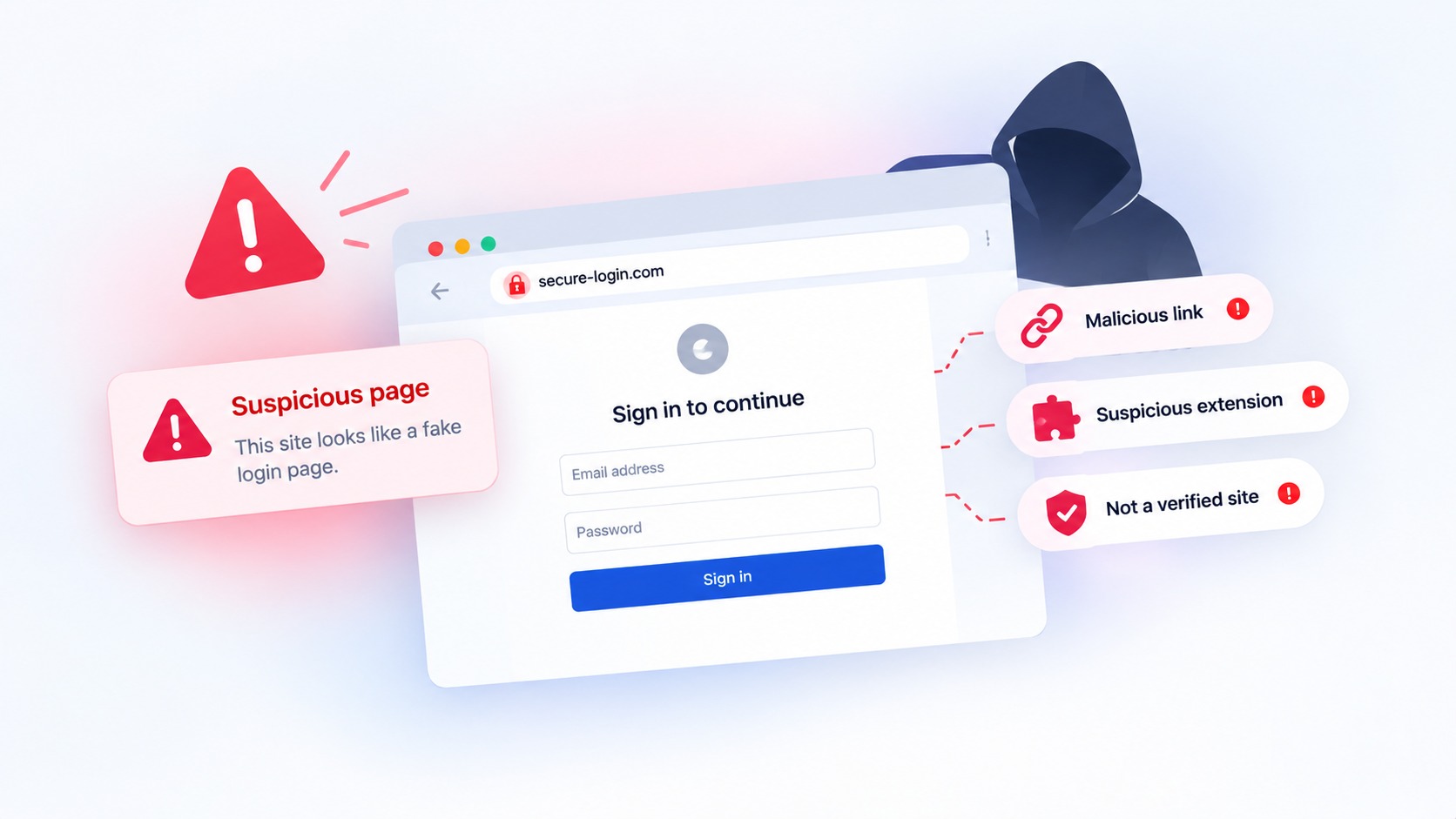
The trap is the login. After you click the Calendly link and go to pick a time, you are eventually asked to sign in with your Google Workspace or Facebook Business (Meta Ads Manager) account, on a fake page built to capture your password and even your two-factor authentication code. This is a fake Calendly invite, a recruiter phishing email, and a fake interview scam all rolled into one.
It is also not a small operation. Push Security first uncovered the campaign impersonating more than 75 major brands. A newer report from CTM360, which tracks it under the name RecruitTrap, counted more than 3,000 phishing URLs in just two months.
Here's how it works step by step, why it's so effective, and what actually stops it.
How the Attack Works
The campaign begins with an email. It appears to come from a recruiter at a well-known company: someone with a real name, a plausible title, and a familiar brand behind them. The email invites you to schedule a meeting via what looks like a Calendly link.
Researchers believe the emails were crafted with AI tools, which helps explain their professional quality. There are no obvious spelling mistakes, no awkward phrasing. Just a convincing invitation that looks exactly like what you'd expect from a legitimate recruiter.
When you click the link, things unfold in steps:
You land on a fake Calendly scheduling page, complete with branding from the company being impersonated.
The page presents a CAPTCHA, another layer of legitimacy theater.
After completing it, you're redirected to an adversary-in-the-middle (AiTM) phishing page that mimics the Google Workspace or Facebook login screen.
AiTM attacks are particularly dangerous because they don't just steal your password. They steal your authenticated session. That means even if you have two-factor authentication enabled, the attacker can bypass it entirely.
Some variants of this campaign go further, using Browser-in-the-Browser (BitB) attacks that display a fake pop-up window showing a real-looking URL. The URL looks legitimate. The window looks real. But everything you type goes directly to the attacker.
Keep your business safe from online threats
Haven for Business protects every employee from phishing, fake sites, and browser-based attacks.
The Latest Data: 3,000+ Phishing URLs and Counting (August 2026)
Since this campaign first surfaced, researchers at CTM360 have documented just how large and organized it has become, in a report they call RecruitTrap. The numbers make it clear this is an industrial operation, not a one-off:
More than 3,000 phishing URLs were identified in a two-month window, impersonating real recruiters and recruitment processes tied to 50+ organizations across 14 sectors.
Marketing professionals were the main targets. That focus is deliberate: a compromised marketing account can unlock advertising platforms, corporate social media profiles, customer data, and email, all valuable to an attacker.
The most-impersonated industries were recruitment, technology, luxury goods, and travel.
About 96% of the pages used a Calendly theme, and many hid their real servers behind Cloudflare, making them harder to trace and take down.
The phishing kit runs as a live "state machine." Rather than a single static form, it walks the victim through staged screens, CAPTCHA, username, password, and several multi-factor methods, while a backend relays the real MFA prompt in real time. It even filters out personal email addresses so it only captures corporate accounts.
There is a mobile version. On phones, instead of a fake pop-up window, victims may see a full-screen counterfeit login page.
The template is also built for rapid rebranding. Attackers can swap the employer name, recruiter identity, and login provider while keeping the same scheduling-and-login flow, which is how one kit becomes thousands of unique-looking pages.
Why The Calendly Angle Is Clever
The choice of Calendly as a lure isn't random. A few things make it particularly effective:
It's a legitimate service. Email security tools that scan links often allow Calendly links through, because Calendly itself isn't malicious. The redirect to the phishing page happens after you've already clicked.
The context makes sense. A recruiter sending a Calendly link is completely normal. There's no reason for suspicion built into the premise.
The impersonation is specific. By naming a real brand, and in some cases a real employee at that brand, attackers add another layer of credibility. Victims aren't being asked to trust a random email. They're being asked to trust Disney or Mastercard.
Why These Accounts Are Being Targeted
This campaign specifically targets Google Workspace and Facebook Business (Meta Ads Manager) accounts, and the reason is straightforward: they're valuable.
Compromised ad accounts give attackers a ready-made platform to run malvertising campaigns. With access to Meta's targeting tools, they can run geo-targeted, device-specific ads that push more phishing pages or malware to carefully selected victims. Some campaigns have been observed running malicious Google Ads that appear at the top of search results for queries like "Google Ads."
Google Workspace accounts are valuable for a different reason: they often serve as the keys to an entire organization through SSO and identity provider configurations. Compromise one, and you may have access to everything.
Accounts that can't be directly exploited are simply sold. There's a healthy market for verified ad account access.
Why The Calendly Angle Is Clever
The choice of Calendly as a lure isn't random. A few things make it particularly effective:
It's a legitimate service. Email security tools that scan links often allow Calendly links through, because Calendly itself isn't malicious. The redirect to the phishing page happens after you've already clicked.
The context makes sense. A recruiter sending a Calendly link is completely normal. There's no reason for suspicion built into the premise.
The impersonation is specific. By naming a real brand, and in some cases a real employee at that brand, attackers add another layer of credibility. Victims aren't being asked to trust a random email. They're being asked to trust Disney or Mastercard.
What Haven Catches
This campaign hinges on one thing: getting you to enter your credentials on a fake login page. And detecting fake login pages is exactly what Haven does.
When a site mimics Google, Facebook, or another login portal, copying the look, the layout, the branding, Haven identifies it as fraudulent and warns you before you type anything. It doesn't matter how the link was delivered (email, calendar invite, a sponsored search result), or how convincing the fake page looks. Haven analyzes what's actually in front of you.
That's the layer this campaign was designed to slip past. The attackers put significant effort into making every step before the fake login page look legitimate, but the fake login page itself is where Haven steps in.
What You Can Do Right Now
If you don't have Haven installed, there are still a few things worth knowing:
Treat scheduling invites with the same skepticism as other emails. If you weren't expecting a recruiter outreach, that's worth pausing on, especially if clicking the link asks you to log into Google or Facebook.
Drag login pop-ups to the edge of your browser window. This is a simple trick for spotting Browser-in-the-Browser attacks: a real browser pop-up can be dragged outside the main window. A fake one, rendered as part of the page, can't be.
Check the URL before entering credentials. Look for subtle misspellings, unusual domains, or anything that doesn't match the company you're supposedly logging into.
Hardware security keys remain the strongest 2FA option. Unlike TOTP codes, hardware keys are phishing-resistant by design and can't be intercepted by AiTM attacks.
These habits help. But they require you to notice something is off, and that's exactly what these campaigns are designed to prevent.
Haven removes that burden. Install it once, and the protection is automatic.