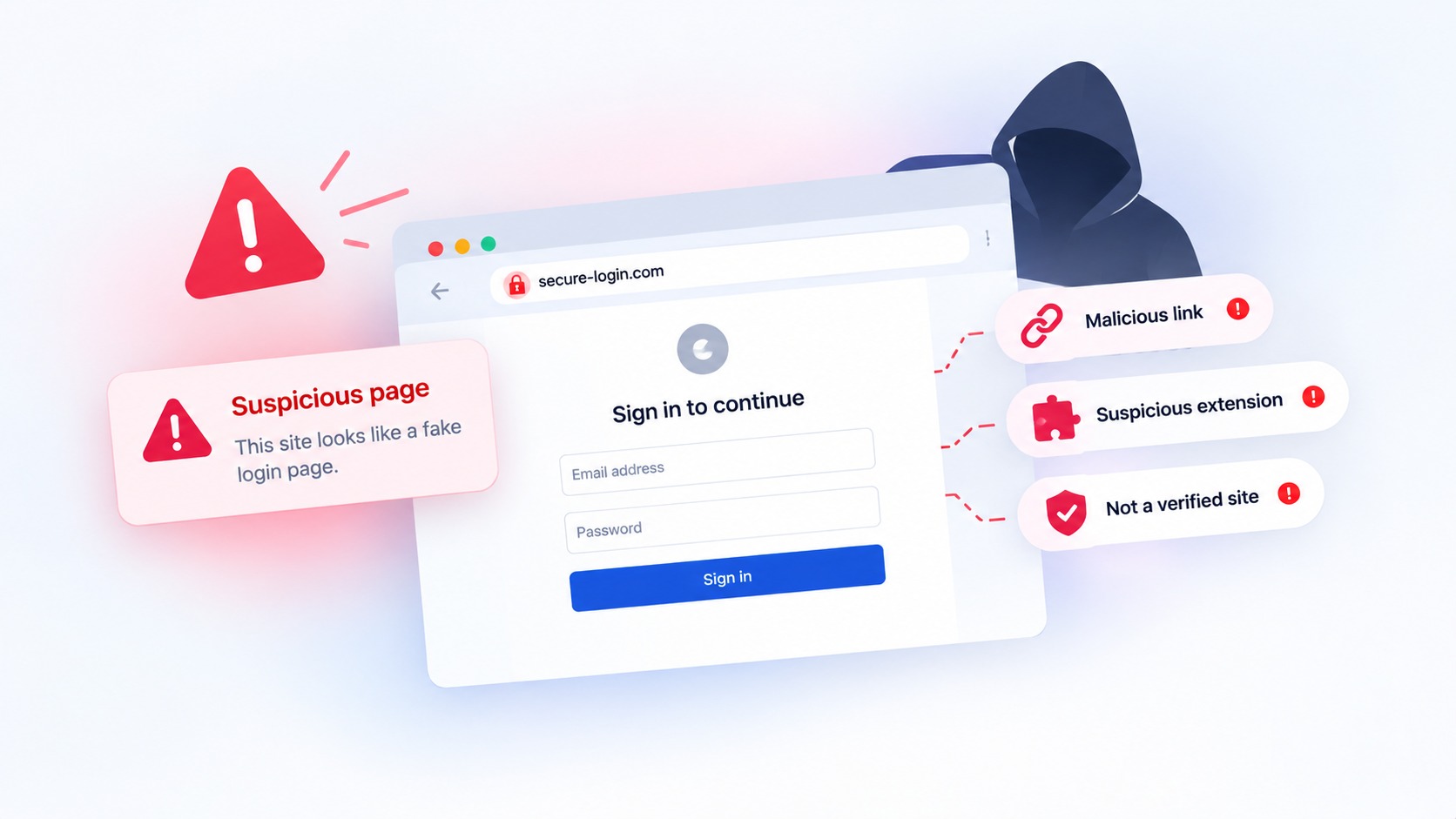
A user installs a browser extension that promises faster access to Workday. It looks like a productivity tool. The permissions look like the kind any enterprise integration would request. Nothing about it trips an alarm. And every 60 seconds, it quietly ships that user's active session to a server the attacker controls.
That is the shape of a campaign security researchers recently uncovered, and it should change how MSPs and IT leaders think about where their real exposure lives. The attack did not break authentication. It went around it, through the one layer most security stacks barely watch: the browser.
What happened
The security firm Socket identified five malicious browser extensions on the Chrome Web Store that targeted enterprise HR and ERP platforms, specifically Workday, NetSuite, and SAP SuccessFactors, as reported by BleepingComputer. The extensions were installed more than 2,300 times and marketed as tools that offered simplified access to premium features or, in one case, as a security add-on that would restrict risky actions.
Behind that packaging, the extensions ran three kinds of attack. They continuously extracted authentication cookies named "__session" for the targeted platforms and exfiltrated them to command-and-control servers every 60 seconds. They blocked access to security and incident response pages inside Workday, so an administrator trying to respond could be redirected or shown a blank screen. And the most capable of them supported bidirectional cookie injection, letting attackers push a stolen session back into a browser and take over an authenticated account without a username, password, or MFA code.
Two of the extensions targeted dozens of administrative pages each, covering authentication policies, session controls, IP range management, 2FA device settings, and security audit logs. In other words, the tooling was designed not just to steal access but to blind the people who would otherwise notice and shut it down.
Keep your business safe from online threats
Haven for Business protects every employee from phishing, fake sites, and browser-based attacks.
Why this bypasses the controls you already trust
Most enterprise security assumes that if a user authenticates with MFA, the session that follows is trustworthy. This campaign inverts that assumption. Once a valid session cookie is stolen, the attacker inherits the authenticated session directly. There is no second login to challenge, because the hard part, proving identity, has already been done by the legitimate user.
That is why endpoint MFA and identity providers, as important as they are, do not close this gap. The theft happens after authentication, inside the browser, in a place those controls do not inhabit. Email security does not see it either, because the delivery vehicle was a Chrome Web Store listing, not a phishing message. And the extensions looked legitimate, which is precisely the problem. A professional listing, plausible permissions, and a useful-sounding purpose are no longer evidence that software is safe.
For an MSP, the exposure compounds. A single malicious extension approved by one user on one endpoint can expose a client's most sensitive systems, the HR and ERP platforms that hold payroll, personal data, and financial workflows. Multiply that across every client, every browser, and every extension your users can install on their own, and the browser becomes the least governed part of an otherwise well-managed estate.
Where Haven fits for MSPs and IT teams
Haven is a browser-security companion that operates at the layer this attack exploits. The relevant idea is simple: on the sites that matter most, the browser should not let an extension quietly reach into an authenticated session.
Haven is designed to suspend extension access on sensitive sites, so that when a user is inside a platform like an HR or ERP system, extensions cannot read the session or manipulate the page around it. Because the campaign's extensions all looked legitimate and none disclosed what they were doing, the value is not only in flagging known-bad software. It is in reducing what any extension can do in the moments that carry the most risk. Haven is also built to surface risky extension behavior and give clear guidance, so a user or administrator can understand what looks off rather than discovering it after a session has been hijacked.
For MSPs, the practical goal is visibility and control over browser risk across clients without adding heavy overhead. Making extension exposure visible, and limiting what extensions can touch on sensitive platforms, turns an invisible blind spot into something you can actually manage and show a client you are managing. No tool can promise to stop every attack, and we will not claim that. What Haven offers is coverage where your current stack is thin, which is the browser session itself.
What to do now
You do not need to wait for a product decision to reduce this specific risk. A few moves help immediately.
Review the extensions installed across your managed browsers, and treat broad permissions on sensitive sites as something to justify rather than assume. Where your browser management allows it, move toward allowlisting extensions rather than letting users install freely. Prioritize the browsers that touch HR, ERP, finance, and identity systems, since those are the sessions attackers want most. Make session monitoring and revocation part of your incident response for these platforms, so a stolen session can be cut off quickly. And add a browser-layer control that limits what extensions can do during sensitive sessions, so a legitimate-looking extension cannot become a credential thief.
The lesson of this campaign is not that users made an obvious mistake. It is that the browser has become an unmanaged trust surface, and looking legitimate is no longer proof of safety. For the MSPs and IT teams responsible for client access, closing that gap is quickly becoming part of the job.
Haven is free for individual use and is operated by MirrorTab, Inc.
FAQs
What are malicious browser extensions?
Malicious browser extensions are add-ons that appear to provide a useful feature but secretly perform harmful actions, such as stealing data, reading authenticated sessions, or manipulating web pages. In a recent campaign documented by Socket, five extensions on the Chrome Web Store posed as productivity or security tools for enterprise platforms while quietly stealing session cookies from Workday, NetSuite, and SAP SuccessFactors.
How do malicious browser extensions steal enterprise logins?
They steal logins by extracting authentication session cookies from the browser after a user has signed in. In this campaign, the extensions copied cookies named "__session" and sent them to attacker-controlled servers every 60 seconds. With a valid session cookie, an attacker can resume the user's authenticated session directly, without needing the password or a second login.
Does multi-factor authentication (MFA) stop session cookie theft?
No. MFA verifies identity at login, but session cookie theft happens after that login succeeds. Once an attacker holds a valid session cookie, they inherit the already-authenticated session and are not prompted for MFA again. This is why stolen session cookies are described as bypassing MFA, and why controls that focus only on the login moment do not close the gap.
Why are malicious browser extensions a problem for MSPs?
For MSPs, a single malicious extension installed by one user can expose a client's most sensitive systems, such as HR, ERP, and finance platforms. Because users can often install extensions on their own and the malicious ones look legitimate, the browser becomes the least governed layer across many clients at once. That makes extensions a scalable risk that email and endpoint controls do not fully address.
How can IT teams reduce the risk from malicious browser extensions?
IT teams can reduce risk by reviewing installed extensions, allowlisting approved ones instead of allowing free installation, prioritizing browsers that access sensitive systems, and building session monitoring and revocation into incident response. Adding a browser-layer control that limits what extensions can do during sensitive sessions helps prevent a legitimate-looking extension from reading or hijacking an authenticated session.
How does Haven help with malicious browser extensions?
Haven is a browser-security companion designed to suspend extension access on sensitive sites, so extensions cannot read the session or manipulate the page while a user is inside a high-value platform. It is also built to surface risky extension behavior and give clear guidance at the moment of risk. No security tool can stop every attack, but Haven adds protection at the browser layer, where session theft actually happens.
Is Haven free?
Haven is free for individual use. Haven is operated by MirrorTab, Inc.